CAREERS AND PATHWAYS

























Year 9 and Year 10 Electives Confirmed for 2026
Our 2026 Year 9 and Year 10 students have now received confirmation of their elective subject selections for next year.
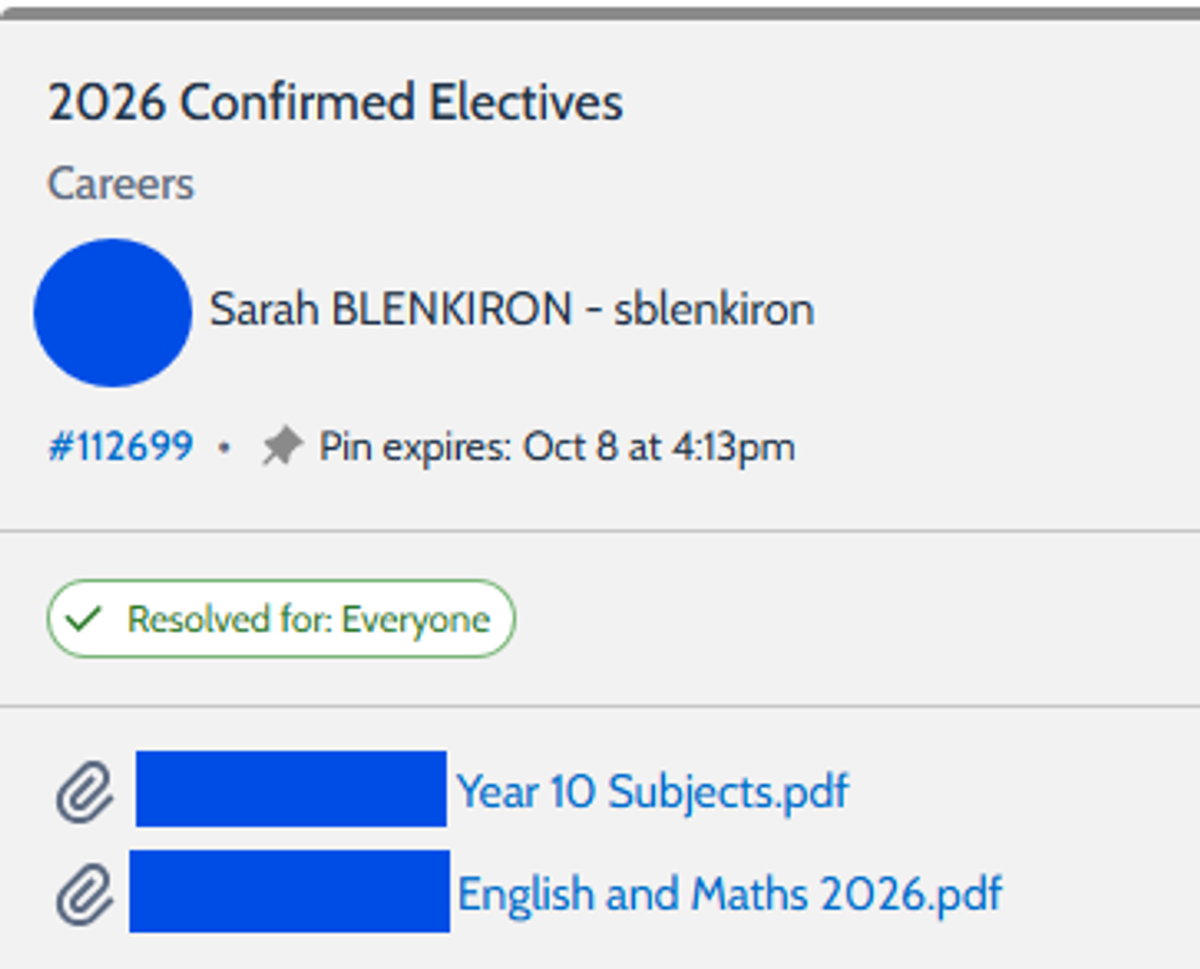
Students can access their confirmed electives via their Compass Chronicle ‘2026 Confirmed Electives’, which provides a clear overview of the subjects they will be studying in 2026. We encourage students and their families to take the time to review this information together to ensure they are familiar with their learning program for the year ahead.
The elective selection process supports students in exploring their interests, developing skills, and beginning to shape future pathways. We are excited to see our students engage in a diverse range of subjects that reflect both personal interests and future aspirations.
We look forward to supporting our Year 9 and Year 10 students as they begin their elective studies in 2026 and encourage all students to approach the year with curiosity, commitment, and enthusiasm.
Year 10 Work Experience 2026

As we look ahead to 2026, we would like to give Year 10 students and families an early heads-up regarding Work Experience, which will form an important part of the Year 10 program next year.
Students will be completing Work Experience during the semester in which they study Work Related Skills. This experience is designed to help students explore career interests, develop employability skills, and gain valuable insight into the world of work. Specific dates and detailed information will be communicated early next year.
Over the holiday period, students and families may find it helpful to begin informal conversations with family, friends, or community contacts who work in industries that align with the student’s interests. If someone can offer a potential placement, this is a great opportunity to discuss availability and gather relevant details ahead of the new year.
At this stage, no formal arrangements are required; however, having early discussions and contact details prepared will make the process smoother once the official Work Experience process begins at school.
We look forward to sharing more information soon and supporting our Year 10 students as they prepare for this valuable learning opportunity.
Year 10 – Unique Student Identifier (USI)

As part of their senior years and future pathways beyond school, all Year 10 students are required to obtain a Unique Student Identifier (USI).
A USI is a personal reference number that creates an online record of a student’s nationally recognised training and qualifications in Australia. It is required to:
- Participate in VET and Vocational programs
- Complete Work-Related Skills and Work Experience
- Access certificates and statements of attainment
Enrol in TAFE, apprenticeships, traineeships, or further training after school
Once created, a USI stays with students for life and can be used for all future education and training.
How to Obtain a USI
Creating a USI is free, simple, and can be done in just a few minutes:
- Go to the official website: usi.gov.au
- Select ‘Create a USI’
- Enter personal details (as they appear on identification)
- Provide one form of ID, such as:
- Medicare card
- Birth certificate
- Passport
- Driver’s licence (if applicable)
Save the USI in a safe place once created
Students will need to record their USI and provide it to the school when requested. Without a USI, students may not be able to complete certain programs or receive certification for completed training.
Further information and reminders will be communicated during the year. We encourage families to support students in completing this process early to ensure they are prepared for all learning opportunities in Year 10 and beyond.
If you have any questions or require further support with obtaining a USI, please contact our Careers and Pathways Leader, Sarah Blenkiron, at the College. Sarah is available to assist students and families and can provide guidance throughout the process.