Year Three/ Four
















 Upwey South Primary School

Communicating with the Year Three/Four Team
We look forward to partnering with you in 2020, and welcome your input:
Mel Rowe (Class 34A) Melinda.Rowe@education.vic.gov.au
Meghan Henchley (Class 34B) Meghan.Henchley@education.vic.gov.au
Melissa Woollard (Class 34C) Melissa.Woollard@education.vic.gov.au
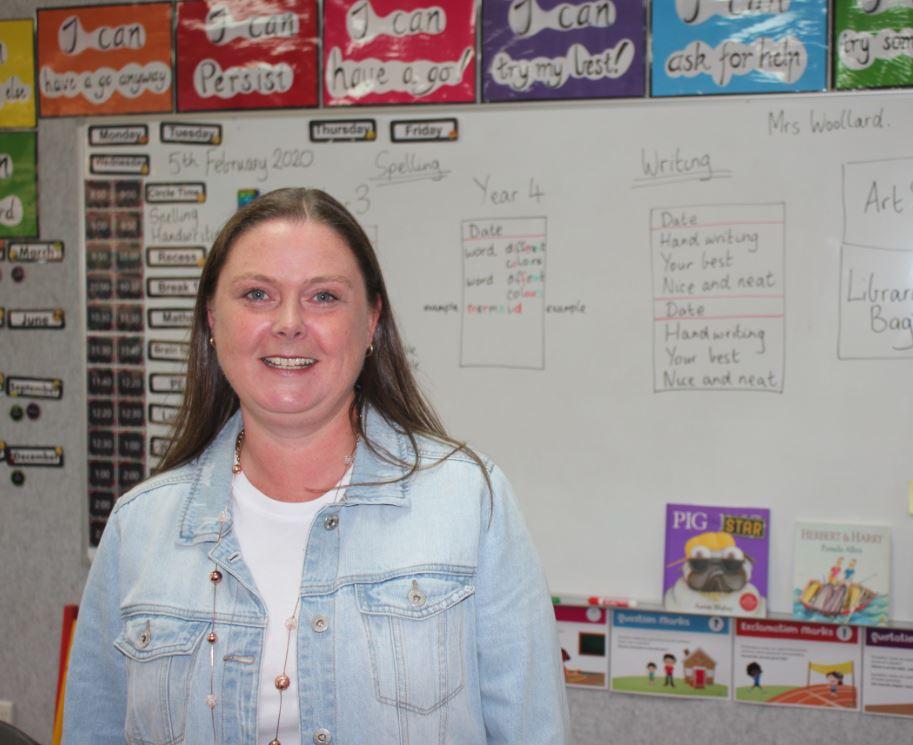
Melissa Woollard
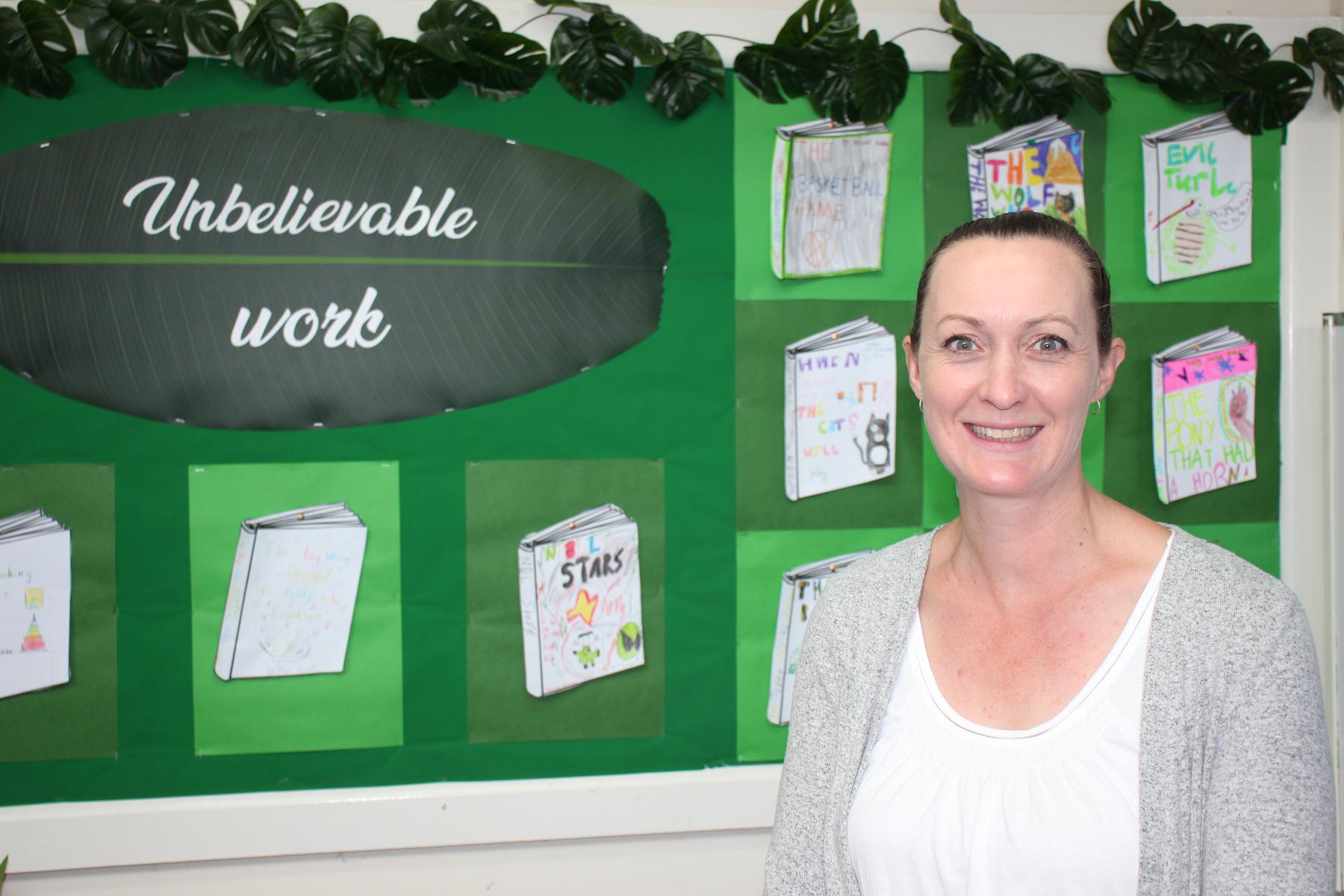
Melinda Rowe
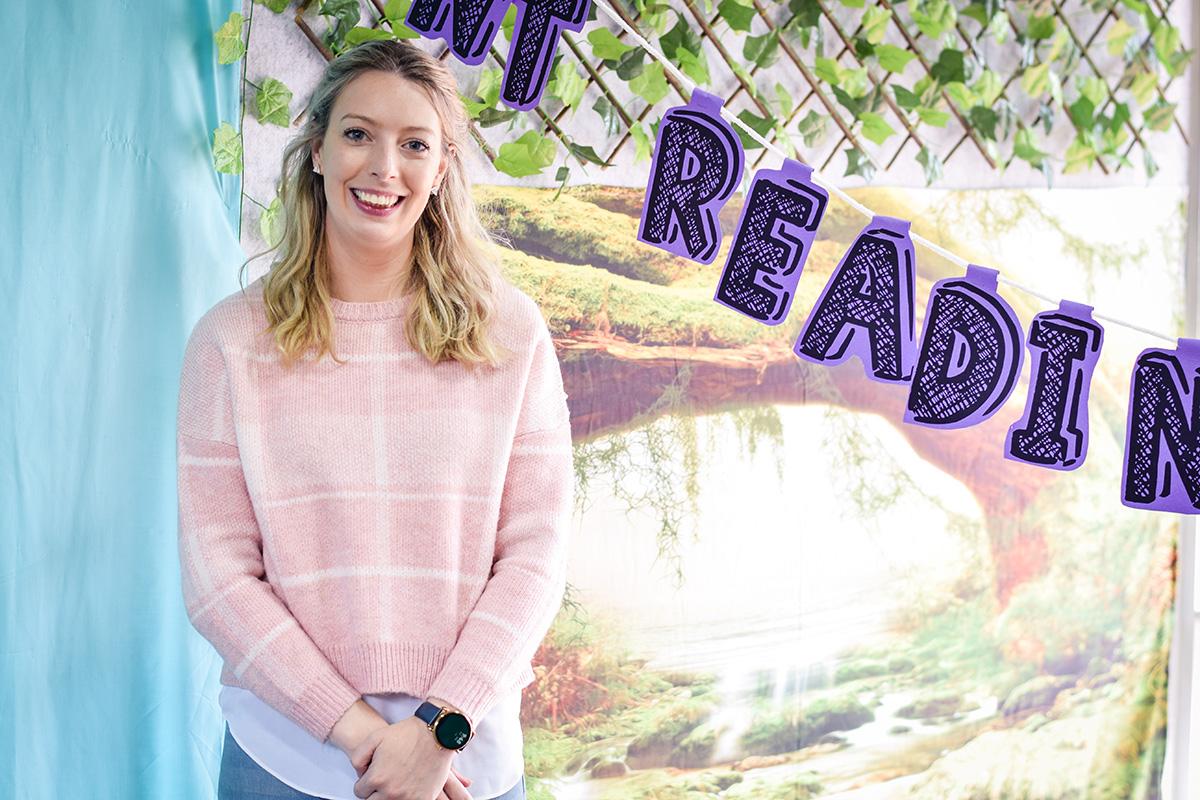
Meghan Henchley
Melissa Woollard
Melinda Rowe
Meghan Henchley
An Overview of our Learning
The coming fortnight may feel a little bit different for our students, as Year Three- Six students continue with a Remote Learning Program.
This is an important point to consider, as all over the media there have been references to students returning to school from Tuesday 26th May. However, this doesn't include our Year Three-Four students, and they might rightly ask "How come?" or "Why do I have to stay home?". These are all great questions, to which we should listen; especially if your family has a younger sibling who is returning to school on Tuesday.
Throughout this term we have been absolutely blown away by the high-quality of remote learning tasks which have been submitted via Google Classrooms. We knew our students were talented, but they have proven it even more!!! We cannot wait to see you back in the classroom, and over the next two weeks we will be preparing for your return.
Our school (like many others) delivered remote learning through online devices, and this has meant an increased amount of screentime for our students. The 'parting' of this screentime might be a challenge for some students as we return to the classroom, where access to devices is more limited.
In order to help your child prepare for their return to school, consider the points below which have been taken from raisingchildren.net.au:
Screen time for school children: part of a balanced and healthy lifestyle
Screen time can be part of a healthy lifestyle for children when it’s balanced with other activities that are good for your child’s development, like physical play, reading and socialising. Getting the right balance also includes making sure screen time doesn’t interfere with sleep.
Our tips can help you encourage your child to use screens in a balanced and healthy way.
1. Make rules about screen use
You can help your child find the balance between screen use and other activities by working with your child on some family rules or a family media plan.
Your family’s rules might cover:
- where your child can use screens – for example, only in family rooms or not in the car
- when your child can use screens – for example, mealtimes are free of TV, computers and phones, or no screen time before school or until chores are finished
- how your child can use screens – for example, for making animations or checking a netball shooting technique, but not for playing Candy Crush
- how you handle screen time for children of different ages – for example, there might be some games that your older child can play only when her younger sibling is out or has gone to bed.
It’s OK if your rules include time limits to help your child balance screen time with other things like physical activity. For example, it might help to know that Australian physical activity guidelines say school-age children should have at least one hour of activity every day.
2. Aim for short screen time sessions
Getting up and moving around is important for your child’s energy levels, development, sleep, and overall health and wellbeing. If your child is having screen time, it’s a good idea to encourage him to take a break every 30 minutes and use screens in short bursts.
You can do this by encouraging your child to:
- use a timer to set breaks
- do something active when the timer ends, like play outside
- make use of natural breaks in screen time – for example, encourage your child to do a victory dance when she finishes a level in a game.
3. Get your child moving, especially outside
It’s a good idea to encourage your child to play outside several times a day.
Outdoor play doesn’t have to be a big deal. For example, at this age, children enjoy:
- building and creating with equipment, furniture or other things they find outside
- playing tiggy, chasey or tag
- climbing trees.
Active play and physical activity for school-age children can happen indoors as well as outdoors. It can be simple things like dancing, doing star jumps, or throwing and catching balls.
4. Imagine and create
Creative play like telling stories, playing word games, dressing up or drawing is good for your child’s creative development. It helps him learn how to experiment, think, learn and solve problems.
You can get ideas for creative play in these articles:
- Imagining, creating and play: school-age children
- School-age creative learning and development: ideas and activities.
Reading and storytelling with your child promotes brain development and imagination, teaches your child about language and emotions, and strengthens your relationship.
5. Encourage play and friendship with others
When children play face to face with others rather than by themselves on a screen, they develop important life skills. These include getting along with other people, being independent and learning how to sort out conflicts and problems.
You can support your school-age child’s friendships by arranging playdates and sleepovers.
6. Avoid screen time before bed
School-age children need 10-11 hours sleep a night.
Using screens before bed can affect how quickly your child falls asleep. If your child avoids mobile phones, tablets, computer screens or TV in the hour before bed, she’s likely to get to sleep more quickly.
Read more about school-age sleep.
7. Keep screens out of bedrooms at night
If you keep mobile phones and other devices out of your child’s bedroom at night, he won’t be able to stay up late playing games or messaging friends. This can also stop your child being disturbed in the night by messages or notifications.
Click on the .pdf link below to view results of a 2018 Survey conducted by the E-Safety Commissioner.
