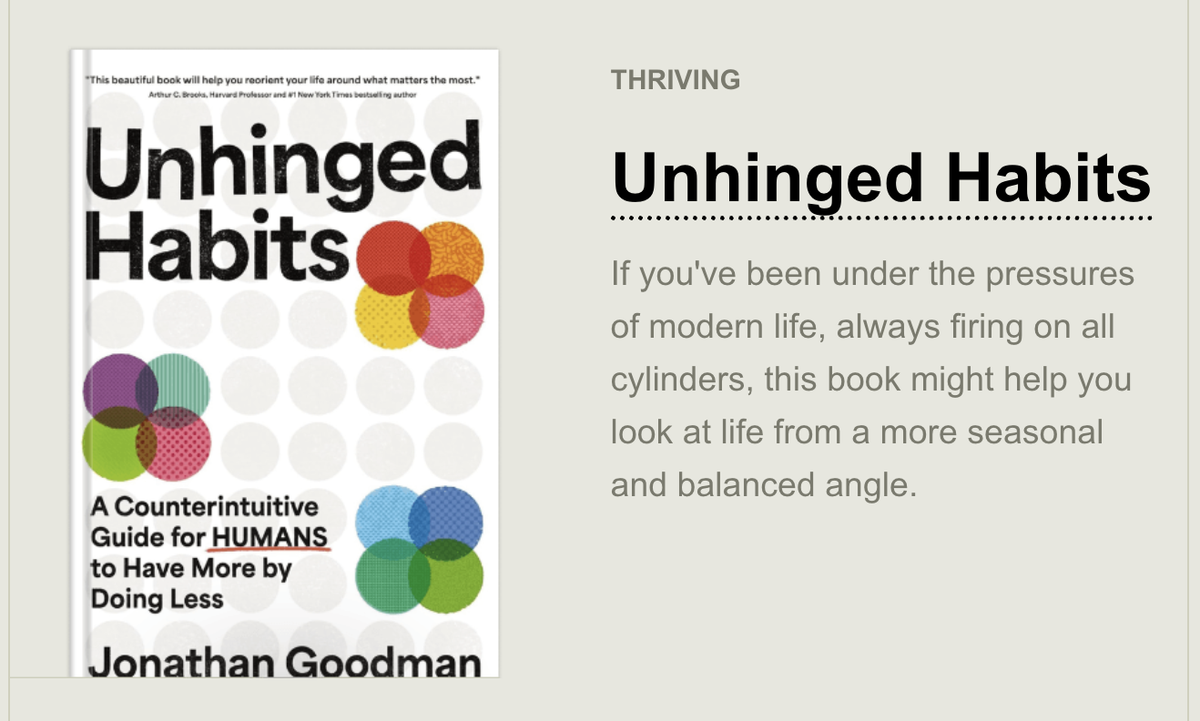
Teaching & Learning Page:

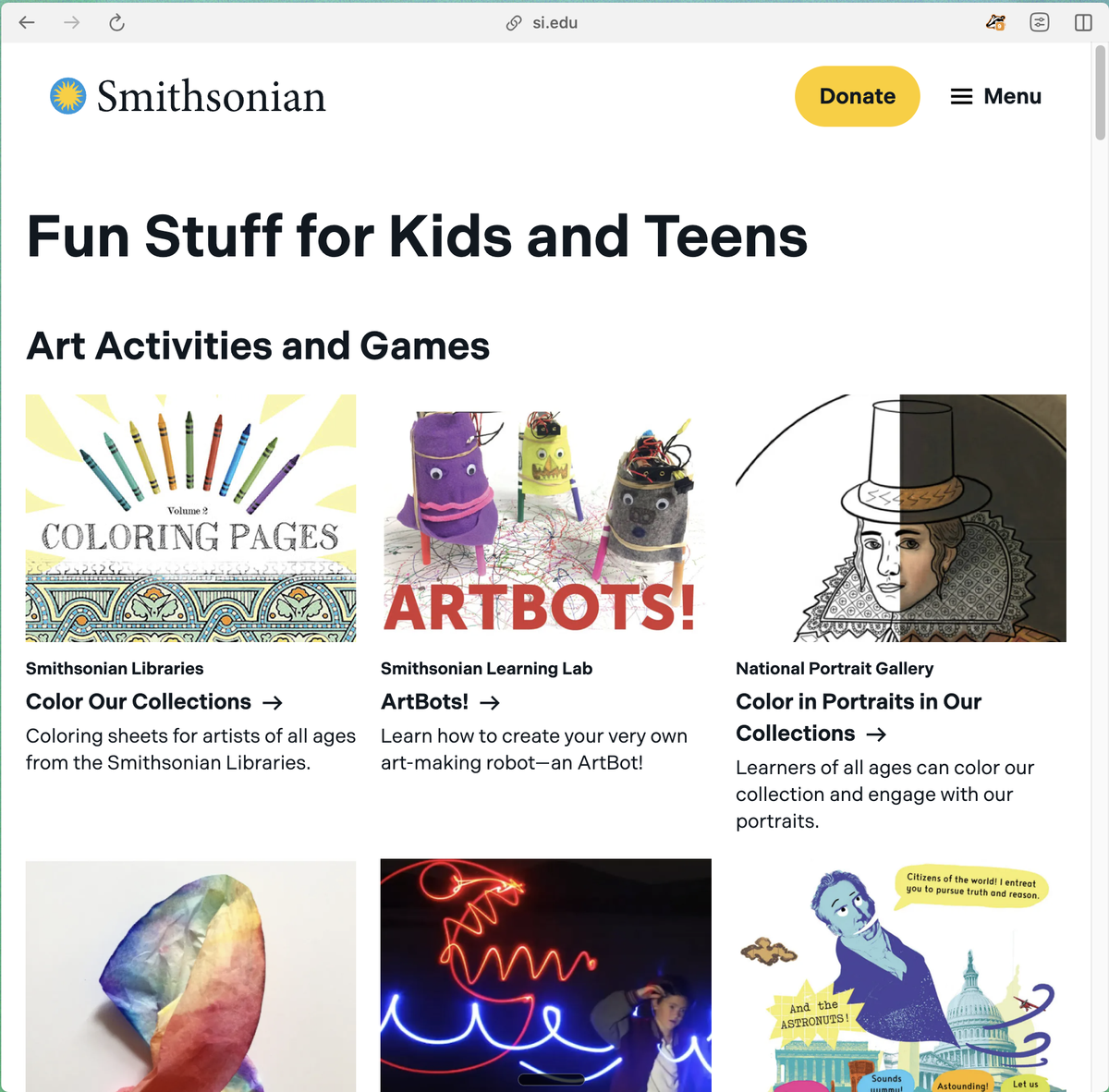
Web Pages:

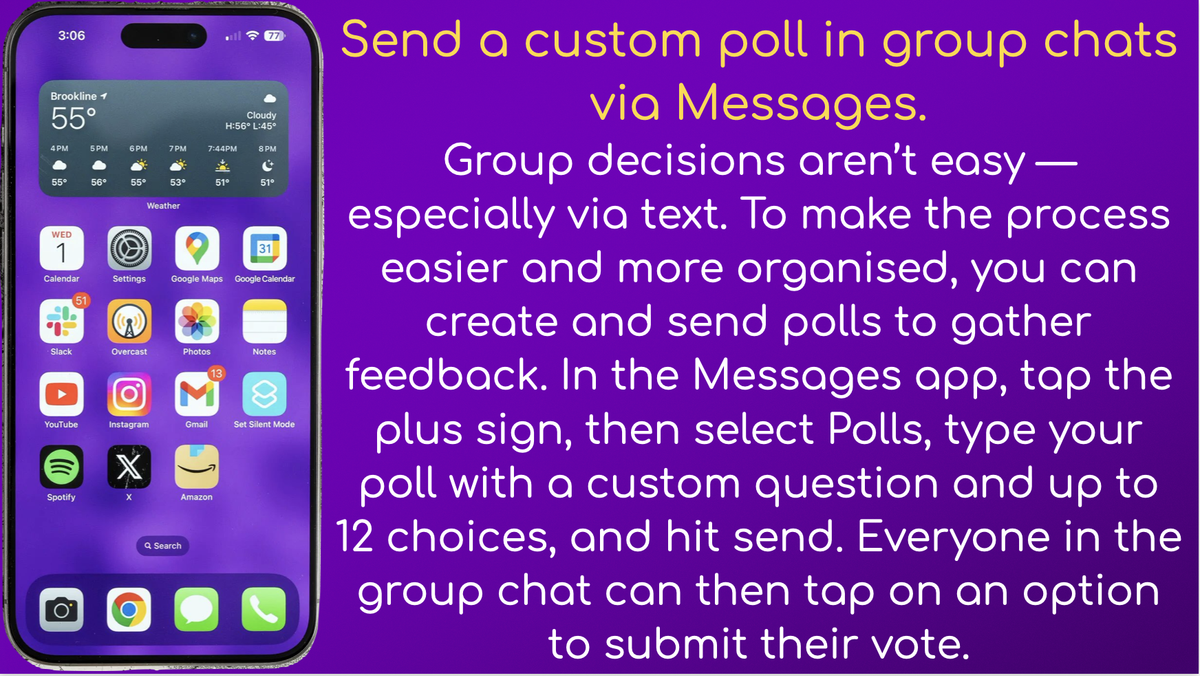
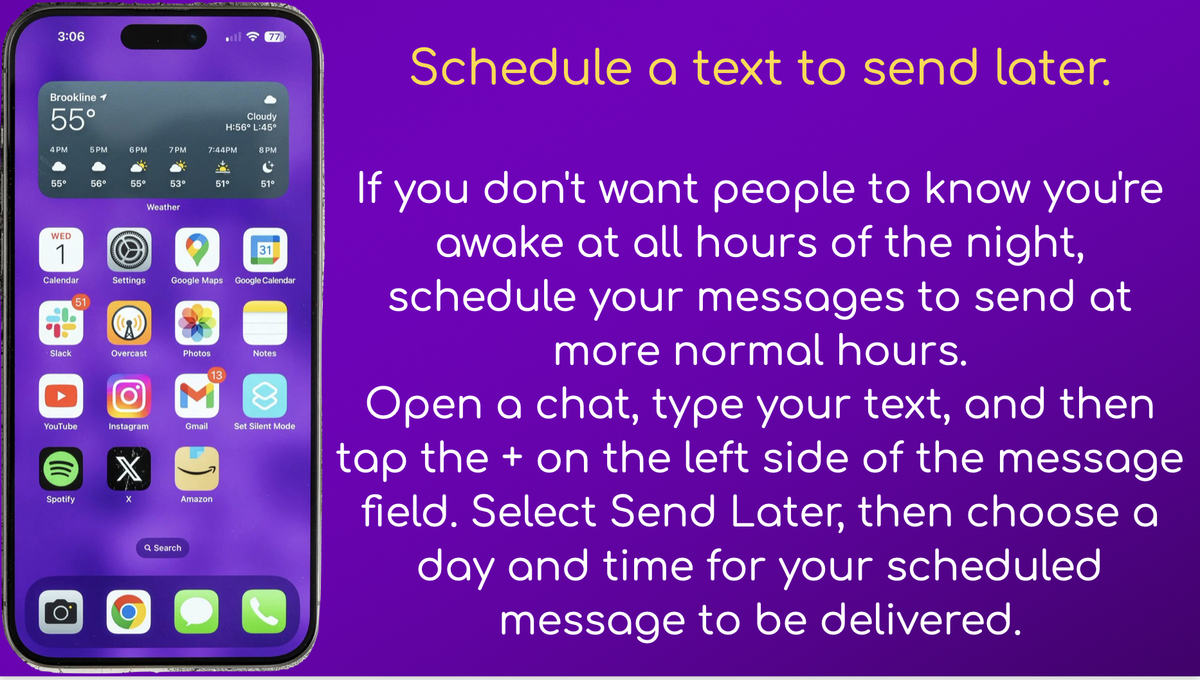
Techie Tips:
Sketches:
In his poem The Rock, T.S. Eliot wrote:
Where is the Life we have lost in living?
Where is the wisdom we have lost in knowledge?
Where is the knowledge we have lost in information?
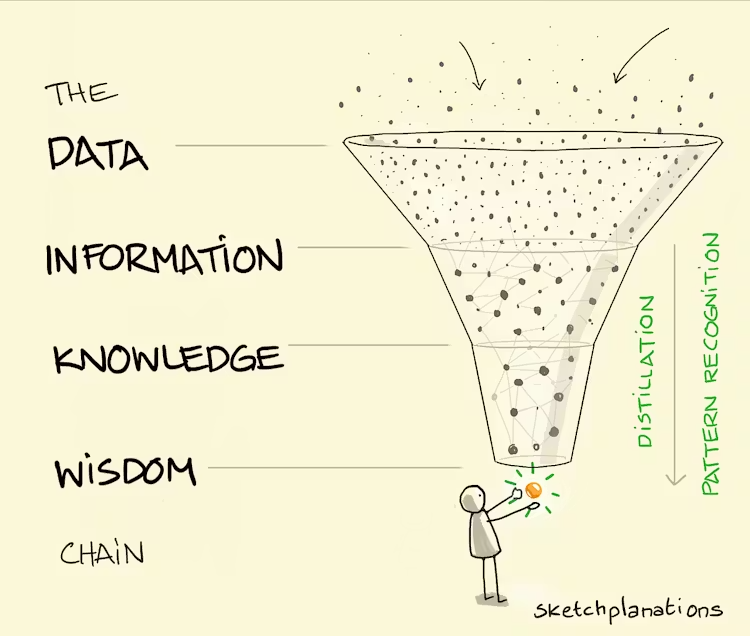
In these short lines, he touched on an intriguing distinction among wisdom, knowledge, and information. Add data at the beginning, and people have proposed various models, such as a hierarchy, chain, or pyramid, to help understand their relationships.
It's perhaps like a skier who's experienced the data points of snow and conditions in the mountains most days of their life. They begin to observe predictable patterns and gradually distil them into knowledge of the relationships between weather and avalanche risk. And over a lifetime of building and applying such knowledge, they may develop instincts and behaviours for predicting risk and living with the mountains that may even be called wisdom.
Perhaps there's something in it.
In an unlikely scenario, I once wrote a class paper that somehow people still find to read, on The Data, Information, Knowledge, Wisdom Chain: The Metaphorical link (pdf). It touches on some of the subtle differences in how we think about each of these, such as how I might complain about information overload but never about knowledge overload.
Article:
Why Holding Everything in Your Head Feels Exhausting
We often compare the human brain to a supercomputer.
A real computer in good working condition has all the parts you need to make things happen. This includes processing power to run apps (RAM) and lots of internal storage (hard drive).
But here’s where the comparison falls short:
Your brain is great at generating ideas (high RAM), but not organising and storing them (low hard drive space).
This is why you tend to forget all those brilliant ideas you have in the shower if you don’t write them down (i.e., store them in an “external hard drive”).
It’s also why you tend to remember all those “other things you need to do” at the worst possible moments, but struggle to recall them when you sit down to make your task list.
“I’ll remember later” creates invisible stress because your brain keeps it all running in the background.
Instead of saving stuff to a file for later, each task is like an open tab or app, slowly but surely draining your “battery”.
Also, mental overload involves so much more than simply doing; it’s also tracking, remembering, and worrying.
The more you hold in your head, the less clear and calm you feel (even if you’re not “busy” on paper).
But how do you know you’re carrying too much, other than a gut feeling and a persistent exhaustion? Let’s take a look.
Signs You’re Mentally Overloaded
- You feel overwhelmed but can’t explain why
- You keep reopening the same thoughts: “Don’t forget…”, “I still need to…”
- You’re mentally tired even after “easy” days
- You procrastinate because you don’t know what to start with
- You feel anxious when you’re not actively doing something (because you’re still tracking everything)
Now that you know the signs of mental overload, let’s dig deeper into what causes it and how to add some balance and space.
Real quick:
Whether you’re a student or a working professional, typing everything out all day is exhausting when you could speak your thoughts into clean, usable writing instead.
Wispr Flow does exactly that. Wispr Flow turns spoken thinking into final-draft writing by voice. Use saved snippets for recurring intros, insert calendar links by voice, and keep comms consistent across the team. It preserves your tone, fixes punctuation, and formats lists so you send confident messages fast. Works on Mac, Windows, and iPhone.
Now, here’s how to clear mental clutter!
🧺 The Real Problem:
Open Loops Everywhere
An “open loop” = anything unfinished, undecided, or not captured somewhere safe.
Some open loops aren’t tasks — they’re decisions you haven’t made yet, things you need to buy, and all that media you bookmarked for later but haven’t returned to yet.
They trip you up because your brain treats open loops like emergencies, even when they aren’t.
Which is why a single “sticky” thought or loop can drain more energy than a full to-do list.
Read that one again.
Then, recall one of your current open loops. Consider how long it’s been left open, how many times it’s boomeranged back to you, and how long it will realistically take to close.
With this in mind, let’s explore how you can effectively exit some of those apps and free up some mental processing power.
The 3-Step Brain Dump
1. Capture everything, fast and messy style.
It doesn’t matter if it’s a notes app or paper list — pick a capture method you’ll actually use.
If you’re like us, you’ll feel compelled to organise this list immediately. Resist that urge, because organising requires a different part of your brain. At this stage, you just need to get it all (or most) of it out.
2. Sort into 3 buckets
Now it’s time to organise. There are so many ways you can do this, but here’s one to try if you haven’t already:
Do (real tasks)
Decide (things you’re avoiding choosing)
Drop (things you don’t even want anymore)
3. Create one “trusted list”
Use this semi-sorted list as your single home base for everything you need to store externally.
If you’re thinking, “I already know this won’t work for me,” don’t worry; if your brain doesn’t trust the list, it’ll keep reminding you anyway.
Book Recommendation: