Wellbeing















 St Luke's Catholic Primary School
Why Online Safety Matters

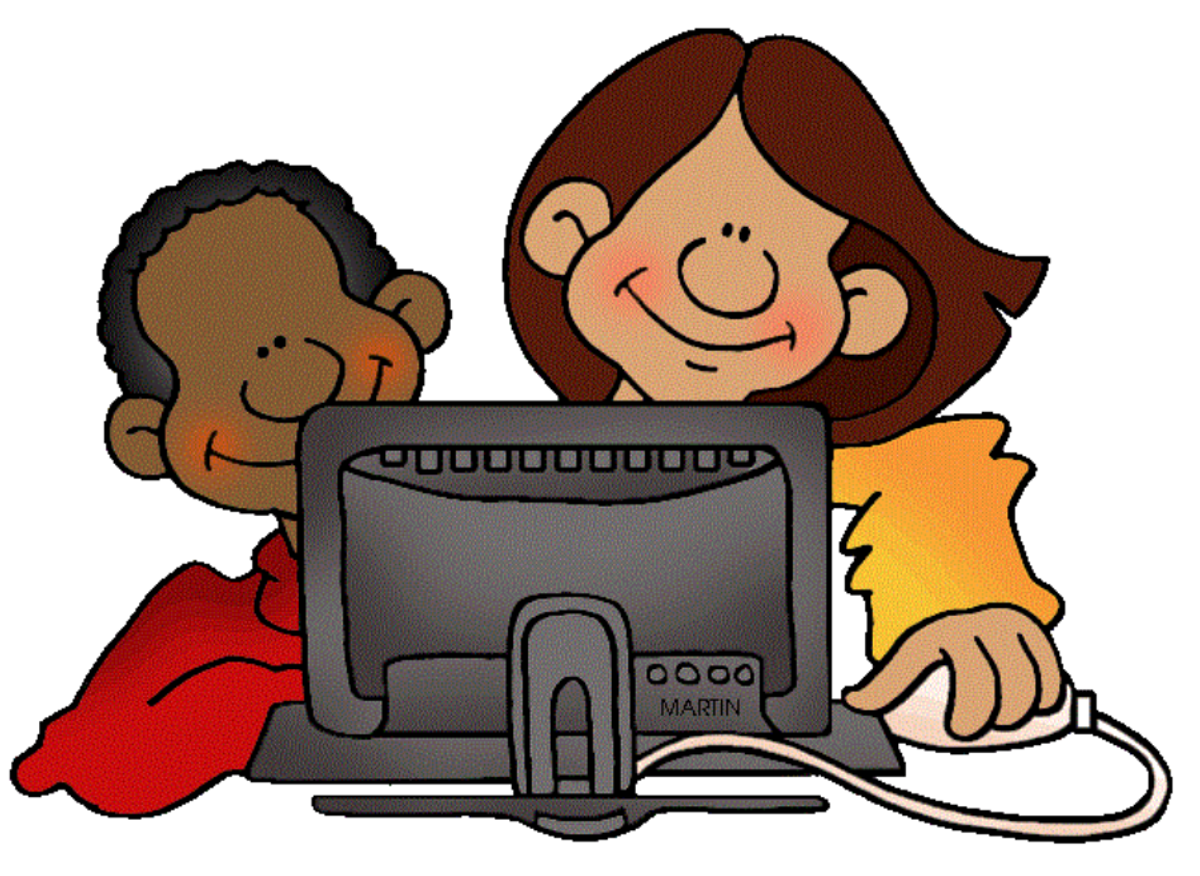
Children aged 8-11 years often have their own devices and go online by themselves. They use digital technology and the internet for doing schoolwork and homework, playing games, watching and creating videos, streaming TV shows and movies, listening to or downloading music, connecting with friends and family, and general browsing. They might be communicating with other people through in-game chat and messaging apps like Messenger Kids.
You can help your child learn to be safe online. You can also take practical online safety precautions. This will protect your child from online safety risks, and it will also help your child make the most of learning, exploring, creating and connecting with others online.
It’s important to help your child learn how to be safe and responsible online. When your child is a safe and responsible internet user, they’ll be better able to avoid the risks. When risks come up, they’ll be more likely to know what to do or to ask for your help.
Good ways to do this include:
Being a role model for online safety
Role-modelling is a powerful and positive way to guide your child’s online behaviour.
You can model safe internet use by using digital technology and the internet in the way you want your child to use it, now and in the future. For example, you might keep internet-connected devices out of bedrooms and bathrooms and use technology for positive purposes like sending supportive messages to friends or communicating with family.
Talking about online experiences and content
Sharing negative online experiences with trusted adults is the best way for pre-teens to deal with online risks. So, talking openly about your own online experiences will encourage your child to talk to you if they have a bad online experience.
It’s also good for your child to share positive online experiences with you. You can get your child talking by asking them to explain the apps, games and content they enjoy watching or creating. You might say, ‘Who are your favourite streamers? What games do they play? What do you like about them?’
It’s good to encourage your child to develop a sense of what they like and don’t like on the internet and to explain their choices to friends. You might say, ‘That video seemed to make you uncomfortable. It’s OK to tell your friends that you’d rather not watch videos like that’.
You could also explain that not all online information is true or helpful. For example, some information is made up or deliberately misleading. Encouraging your child to think critically about online content helps your child develop the skills they need to avoid inappropriate online content.
It’s important for your child to understand that if something online seems too good to be true, it probably isn’t true.
Helping pre-teens build positive online reputations
Your child’s online reputation is shaped by their online activities. This means your child needs to understand the consequences of uploading photos, videos and other personal content. Once this content is online, it’s very hard to get rid of and will become part of your child’s permanent online reputation. Also, photos and content can be altered or shared without your child’s permission.
It’s a good idea to encourage your child to think about the online content or behaviour their future self might be comfortable with. For example, you might say, ‘Some photos and videos might seem OK to you now, but you might feel differently about them in the future and not want people to see them’.
You could agree that your child shows you posts, images and other content (such as videos or comments), and you discuss them before your child uploads them.
Showing pre-teens how to take care with online privacy
It’s important for your child to be careful about what they share with people they don’t know.
You might say, ‘There are untrustworthy people on the internet. We don’t want them to know where we live. Never give your name, address, date of birth, school or personal photos to anyone online. Tell me if anyone asks you for personal information’. It might help to compare online and offline behaviour by saying something like, ‘You wouldn’t give that information to a stranger at the park, would you?’
Your child also needs to be careful about the information they enter on gaming sites like Roblox or Minecraft, online competition entry forms and so on. You could agree with your child that they’ll check with you before filling out online competitions or memberships. And read the terms and conditions with your child before agreeing to them.
Your child should be careful about clicking pop-ups. Some pop-ups that seem safe can lead to pornography sites or ask for personal or financial information.
It’s a good idea to show your child how to check and choose appropriate privacy and safety settings on any devices, websites, programs and apps, and explain why this is important. You can also talk about how personal data is collected on YouTube, TV streaming apps, gaming platforms and so on.
Empathy is one of the most important skills to foster in childhood! Kids who learn to understand how their actions affect others are more likely to be kind and treat others with respect. As a parent, it is your job to guide them toward more thoughtful, kind interactions with others, this can be in person or online.
Reported Online Incidents
Please be aware that in recent weeks, we have been made aware of several incidents occurring online, after school hours including:
- hurtful messages, comments or images being shared
- forwarding of a mean message/s sent by someone else
- shared messages with other kids that were just meant for the person the message was sent to
- deliberately leaving someone out of group chats
- spreading lies about someone
- being mean to other players while gaming and,
- creating a fake online profile to make fun of someone
This a parent's responsibility and needs to be discussed at home. Some key talking points to help you navigate these conversations include reminders to your child:
- Don’t get personal — picking on how someone looks, how they talk, their race, religion or family background is not OK.
- Say sorry — if you have hurt someone else, even if you didn’t mean to hurt them, say sorry.
- Think before you hit send — ask yourself ‘how would I feel if someone shared something like this about me?
- It’s not just about likes — remember that it is not OK to send or post something that will get lots of likes if it hurts someone else.
- Ask for help — talk to an adult you admire and trust. They can help you change your behaviour and will respect you for reaching out.
- Break the cycle — if it is safe to do so, call it out or say something else to change the conversation.
If you need any help, please contact your child’s teacher or me.
Donna