Stem
In STEM this Term, every grade learned about cyber safety for the first two weeks of our Digital Technologies unit. Each class had thoughtful discussions about what information to share or not share with others online (particularly multiplayer games like Roblox and Minecraft) and how to conduct themselves respectfully online. Also, students were encouraged to speak to a trusted adult if they hear or see something online that makes them feel uncomfortable or worried.
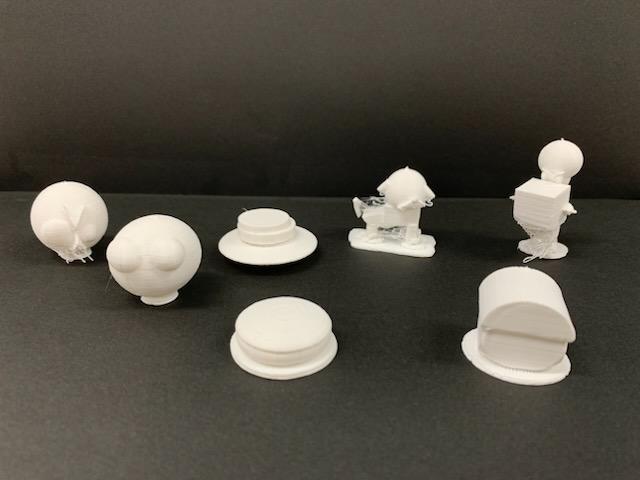
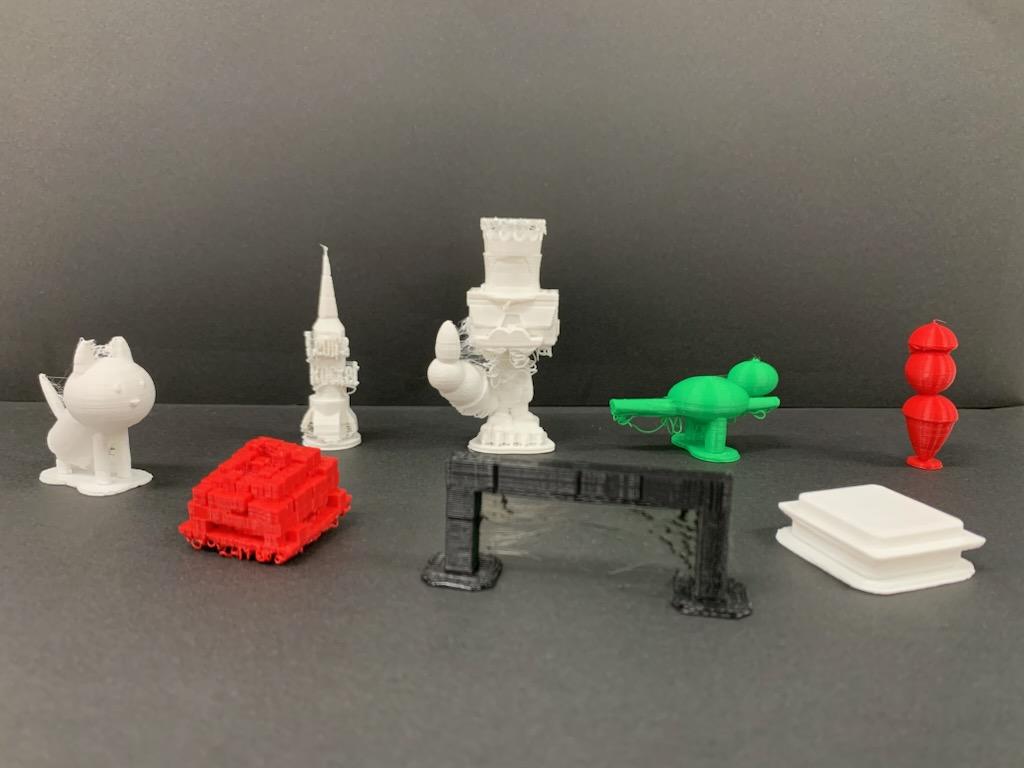
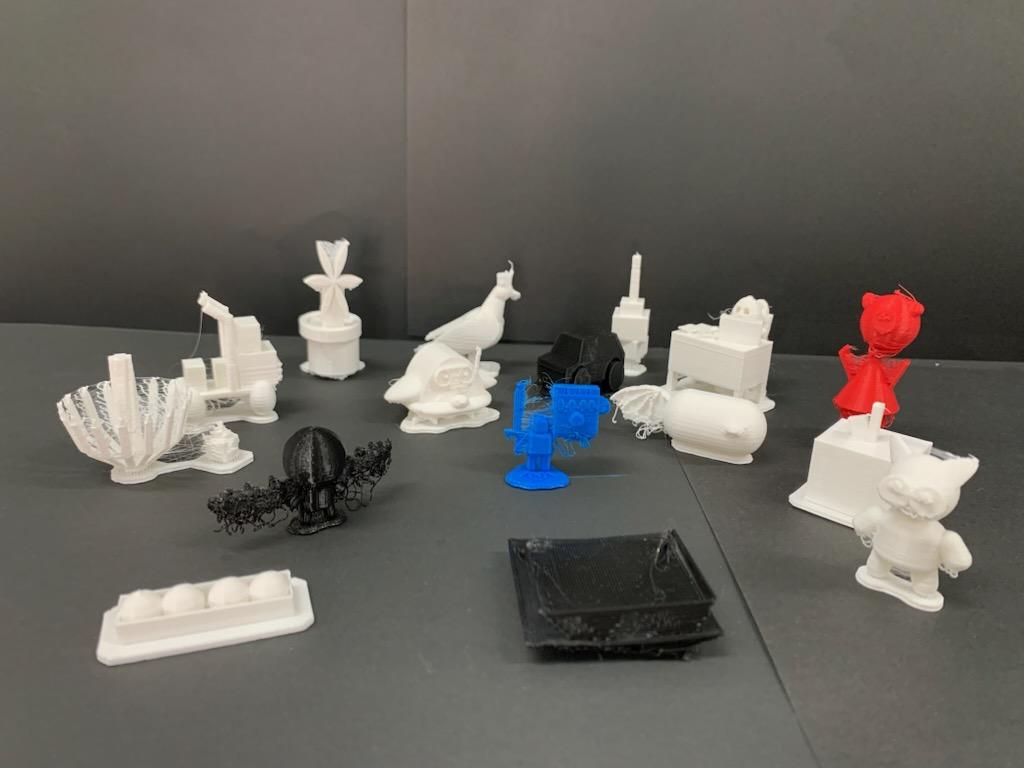
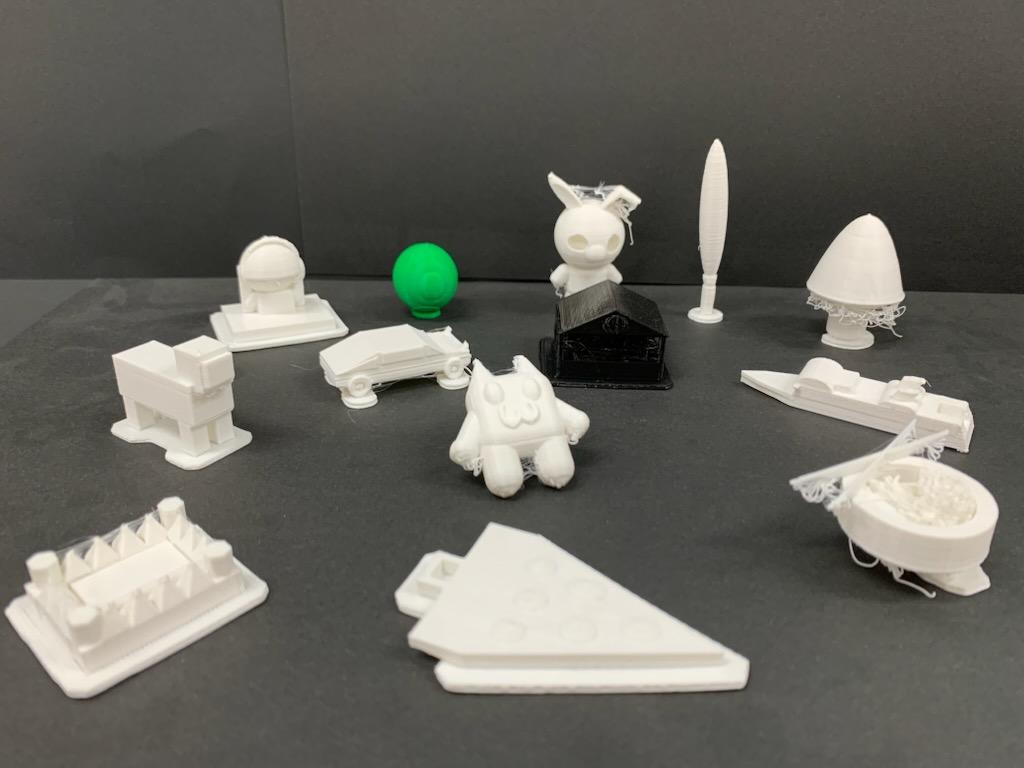
Grade 4/5A, 5/6A and 5/6B this Term had a design brief to create a toy. Students brainstormed together, sketched a toy design and then created a three-dimensional model of it on an online design program called Tinkercad. For the first couple of sessions students completed tutorials to learn the basic functions of the program and to become familiar with the controls. After that, students worked on their projects throughout the term, whilst thinking about design elements and consideration of how it would print. Two of the most common challenges for students were merging objects and creating the shapes they wanted for their design, but they showed resilience and problem-solving capabilities when faced with setbacks. Students were thoroughly engaged throughout the term, but most of all, enjoyed creating a toy and seeing it printed as a prototype to take home.
(Photos: 5/6A and 5/6B's 3D printed toy prototypes).
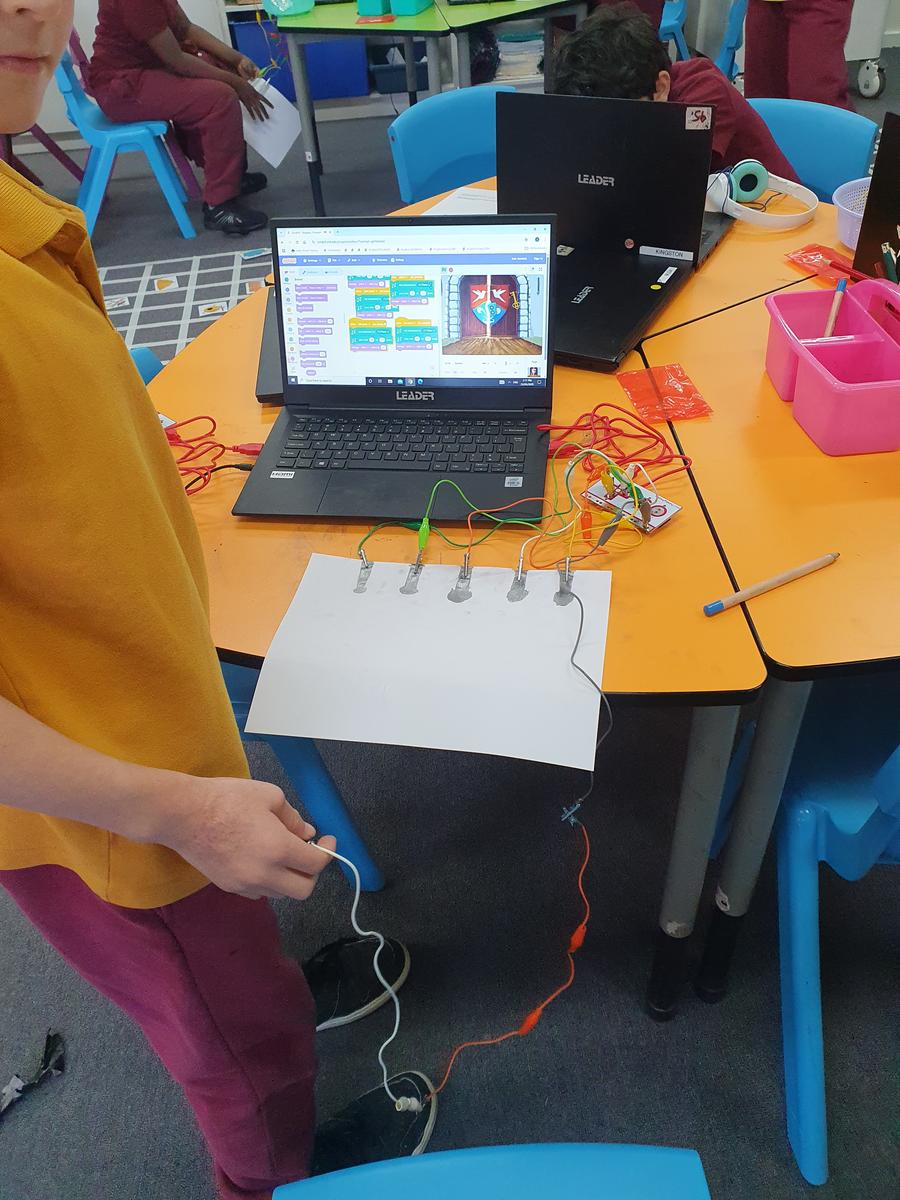
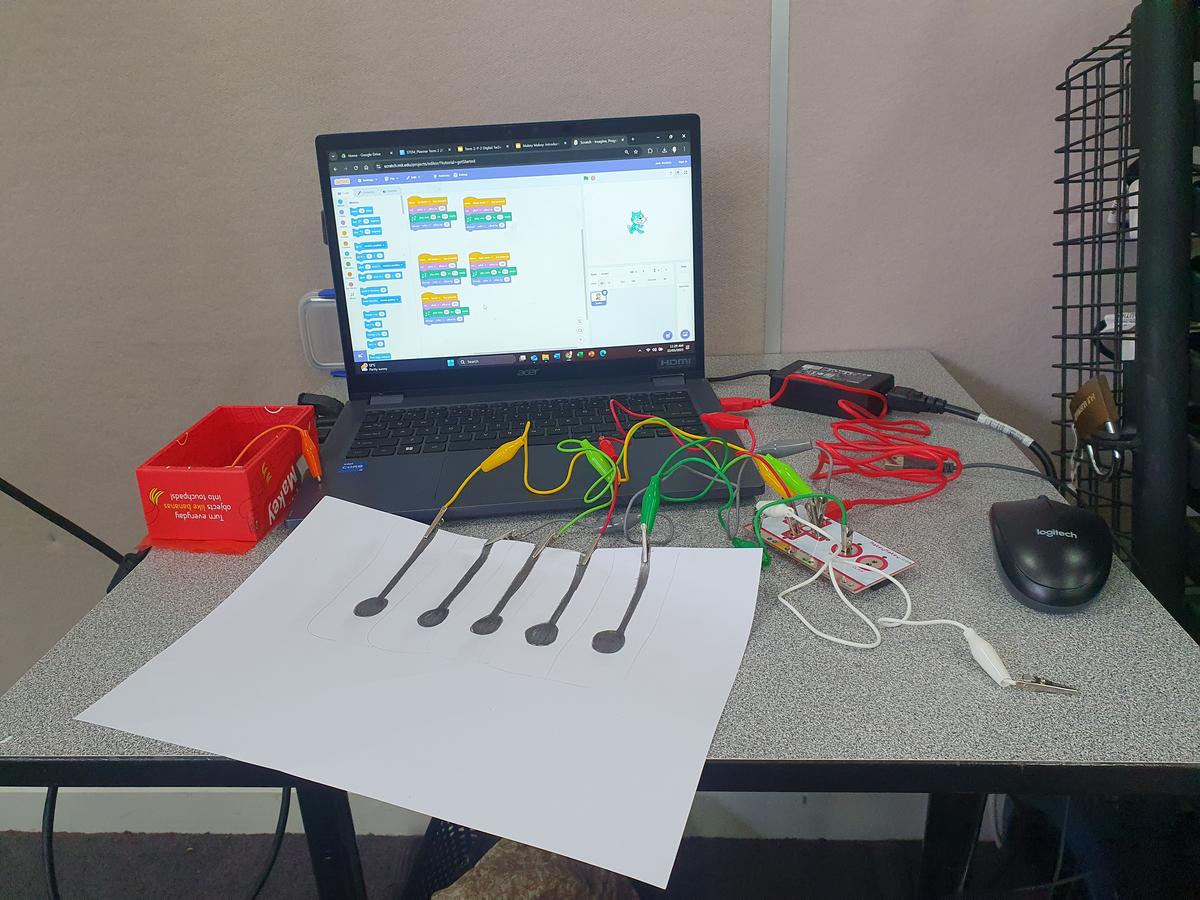
In Grade 3/4A and 3/4B, students learned how to use the school’s newly purchased Makey Makey devices. A Makey Makey is a basic circuit board, which when connected to a laptop or desktop computer, acts like a keyboard or mouse when touched. Students were astounded by the possibilities of this invention and how it worked with software, such as games, online musical instruments and even Scratch coding online. They learned about conductive materials (such as paperclips, grey lead, aluminium foil, jewellery, playdough etc.) which you can use with the Makey Makey. Some of the highlights of this term were: playing online bongos; making a game in Scratch and controlling it with the Makey Makey controller; and creating an interactive poster with a partner and activating sounds or students’ voices with touchpoints. It was a fun and engaging experience this term, which sparked students’ curiosity, collaboration, innovation and imagination!
(Photos: Students made a code to play the piano in Scratch and then played their code (the piano) using a grey lead piano board attached to the Makey Makey).
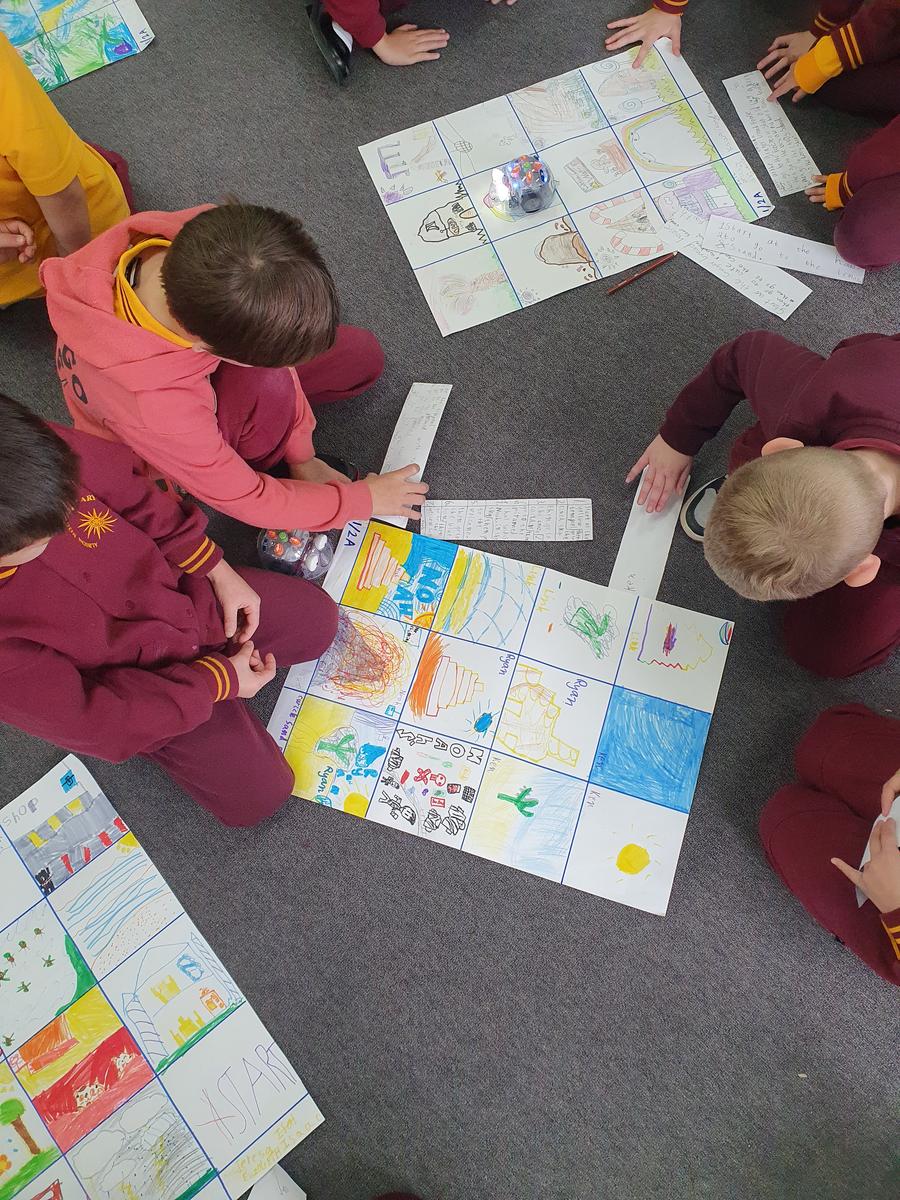
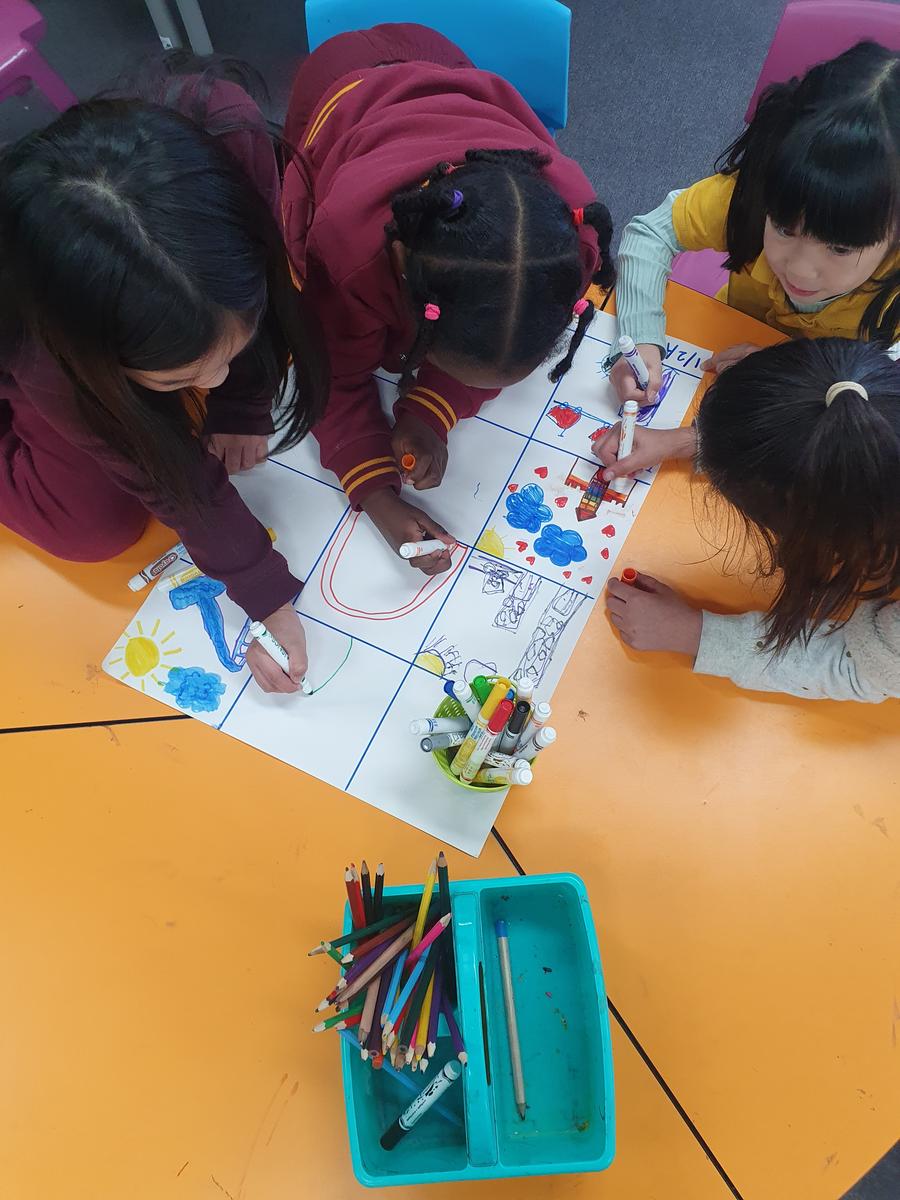
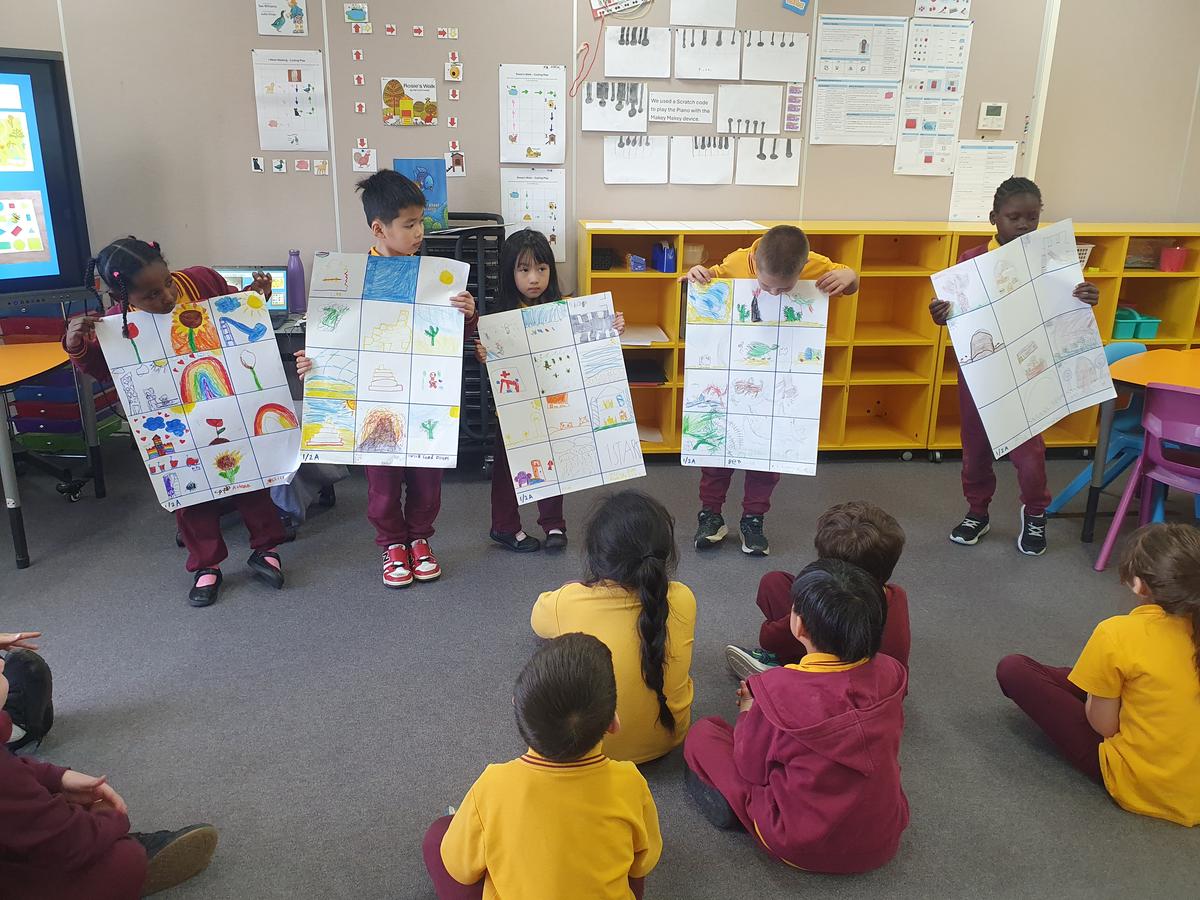
Grade FA, 1/2A, 1/2B and 1/2C were learning about coding this Term. Every week students engaged in different learning tasks using the Blue Bots. Additionally, there was the integration of some English and Mathematics concepts. Some of the books we read were Rosie’s Walk, I Went Walking and We’re Going on a Bear Hunt. Also, students learned about directional language, such as left, right, up, down, through, over and under. The highlight of the term was creating a Blue Bot map. Students brainstormed ideas for their map design in small groups and worked collaboratively to complete it. In partners, students took turns to guide their partner around the map using written or verbal instructions. For example, “move Sparkle (Blue Bot) to the rainbow. Next move her to the castle. Now finish at the butterfly.” We discussed how to give accurate instructions, how to listen carefully to instructions being spoken (Grade Prep/1) and ensure written instructions (Grade 2) were clear. We had so much fun this term!
(Photos: Students working on their Blue Bot maps. Students reading directions to move their Blue Bot).