Teaching and Learning
Ms Nicholls
Teaching and Learning
Ms Nicholls
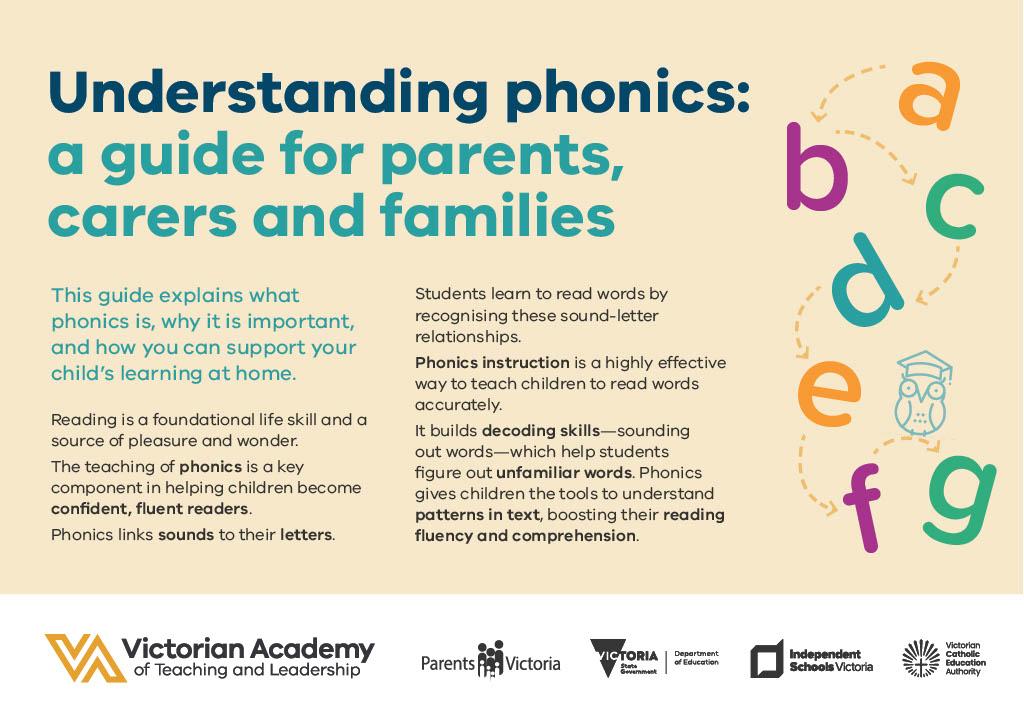
Reading is a foundational life skill and a source of pleasure and wonder.
The teaching of phonics is a key component in helping children become confident, fluent readers.
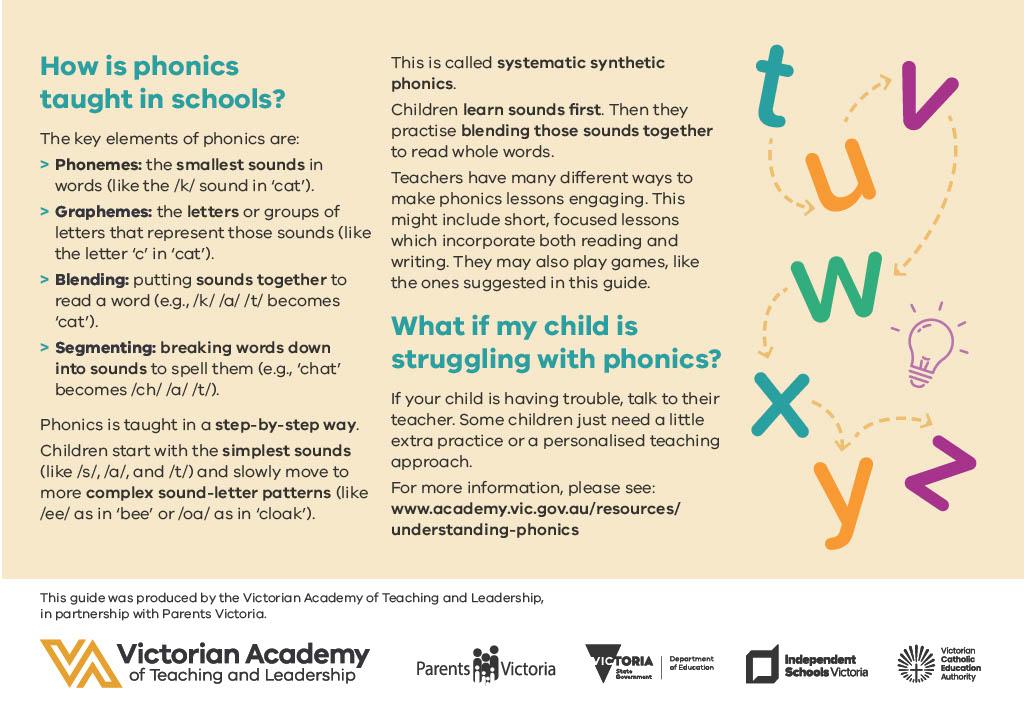
Phonics links sounds to their letters. Students learn to read words by recognising these sound-letter relationships.
Phonics instruction is a highly effective way to teach children to read words accurately. It builds decoding skills—sounding out words—which help students figure out unfamiliar words. Phonics gives children the tools to understand patterns in text, boosting their reading fluency and comprehension.
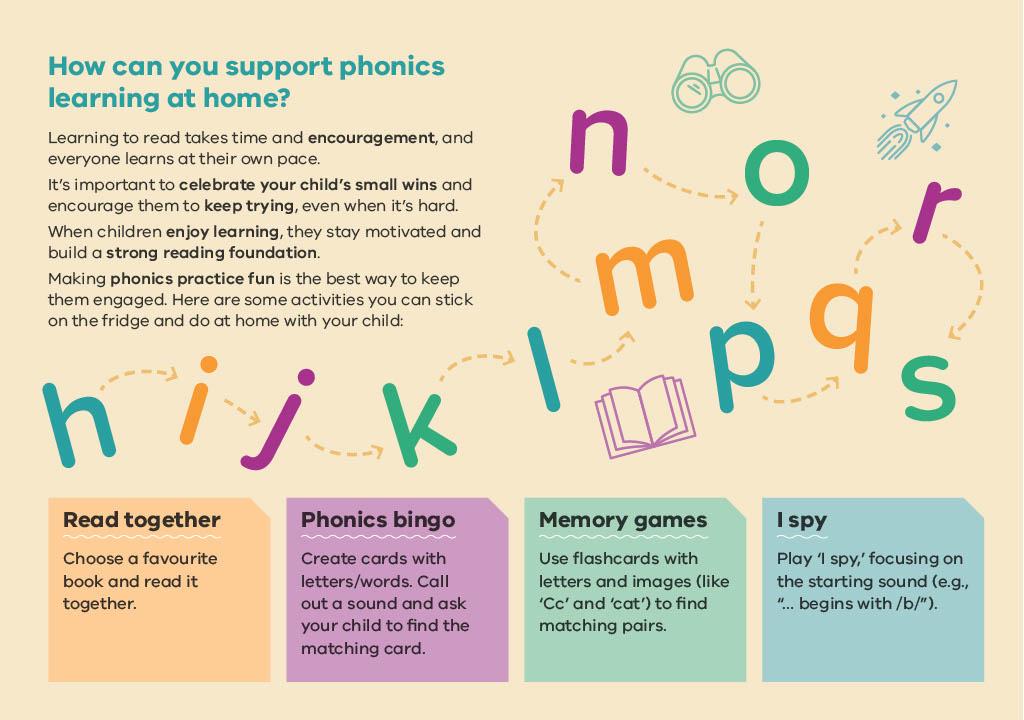
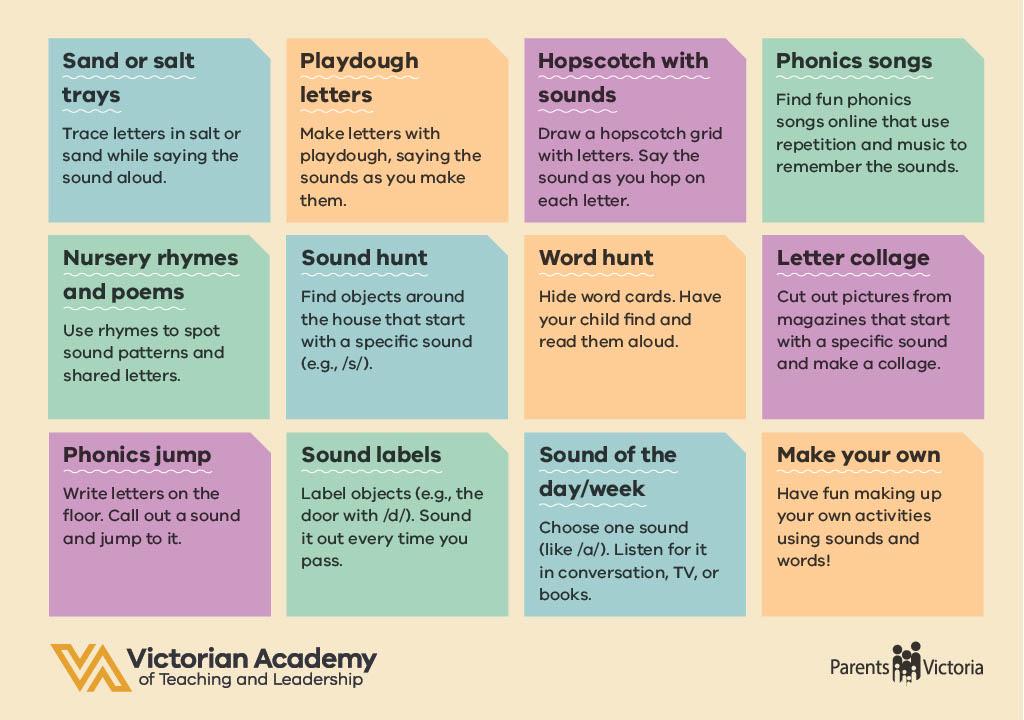
Here are some activities you can do at home with your child to support phonics:
Resources:
https://www.academy.vic.gov.au/resources/understanding-phonics
On Friday, March 13, Reading Progress Reports were published.
We will have Mathematics Progress Reports this term also.
How to access Progress Reports
Using the Xuno website:
https://docs.xuno.com.au/portal-how-to-view-and-download-your-reports
Using the Xuno app:
https://docs.xuno.com.au/accessing-student-academic-reports-in-the-xuno-family-app
The National Assessment Program – Literacy and Numeracy (NAPLAN) is a literacy and numeracy assessment that our students in Years 3 and 5 will sit this year. Students will complete the 2026 NAPLAN tests between the 11th and 23rd of March. All testing will be completed online except for Year 3 students who will continue to complete the writing assessment on paper.
The dates for testing at our school are as follows:
Please view the NAPLAN Information for Parents & Carers brochures attached below, and see here for translated versions <https://www.nap.edu.au/naplan/for-parents-carers>. For more information on NAPLAN, visit www.nap.edu.au.
If you have any questions or would like more information about NAPLAN, please get in contact with your child's classroom teacher or myself.
Scholastic Book Club is a service offered to students, parents, and teachers. Brochures advertising a variety of books and computer software are sent home with each student, approximately twice a term.
Purchase of the books is not compulsory and there is no obligation. If you do wish to purchase any goods, simply log into the Book Club site www.scholastic.com.au/LOOP and follow the prompts. All Book Club orders must be ordered and paid for via LOOP. Do not send order forms and cash to school. When the order arrives at school, books are sent home with students.
The School earns “Bonus Points” for each order which can be used to purchase new resources for classroom libraries.
Click here for the Scholastic Book Club Parent Log in page or to register for new users.
You can have a look at the online catalogue here: https://scholastic.com.au/book-club/book-club-parents/issue-preview/.
Issue 1 has been delivered and handed out to students. Issue 2 orders are due by 19/03/2026.
How to order
Click on ORDER in the top menu or REGISTER first to save your details for the first time. Select Ballan PS and your child’s class. Add your child’s name and last initial. Enter the item number from the brochure.
You can order for multiple children at once. All orders are linked directly to the school.
Our school receives bonus points, which are redeemed for a variety of books for the children; therefore, we thank you for your continued support.
If parents wish to collect orders personally, please let the school know.
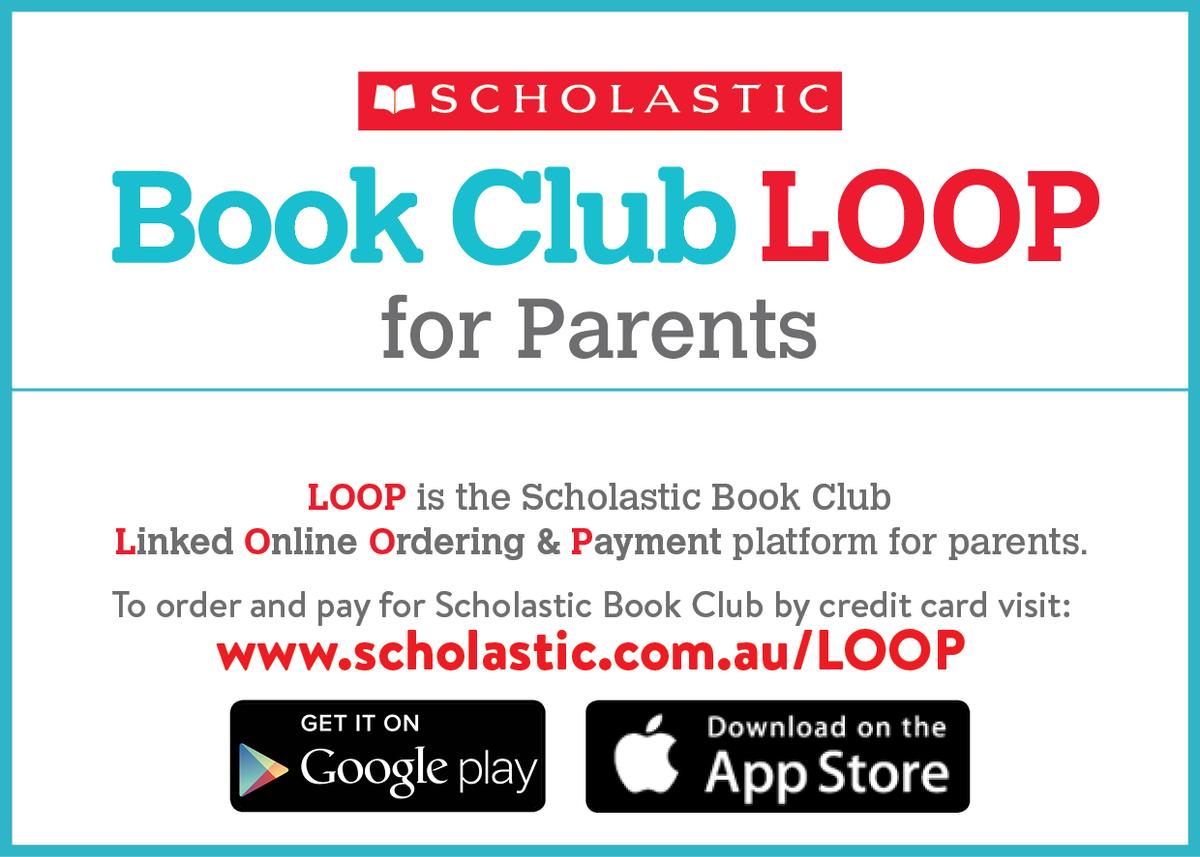
Please go to www.scholastic.com.au/LOOP and find Ballan Primary School to order or alternatively you can download the LOOP app via the App Store or Google Play.
Facebook: https://www.facebook.com/BallanPrimarySchool
Instagram: https://www.instagram.com/ballanprimaryschool/
Happy learning,
Madison Nicholls
Acting Learning Specialist
Madison.Nicholls2@education.vic.gov.au
Ph: 5368 1072