Student Wellbeing
























 Wantirna College

Ditching the Device: How to Thrive Offscreen
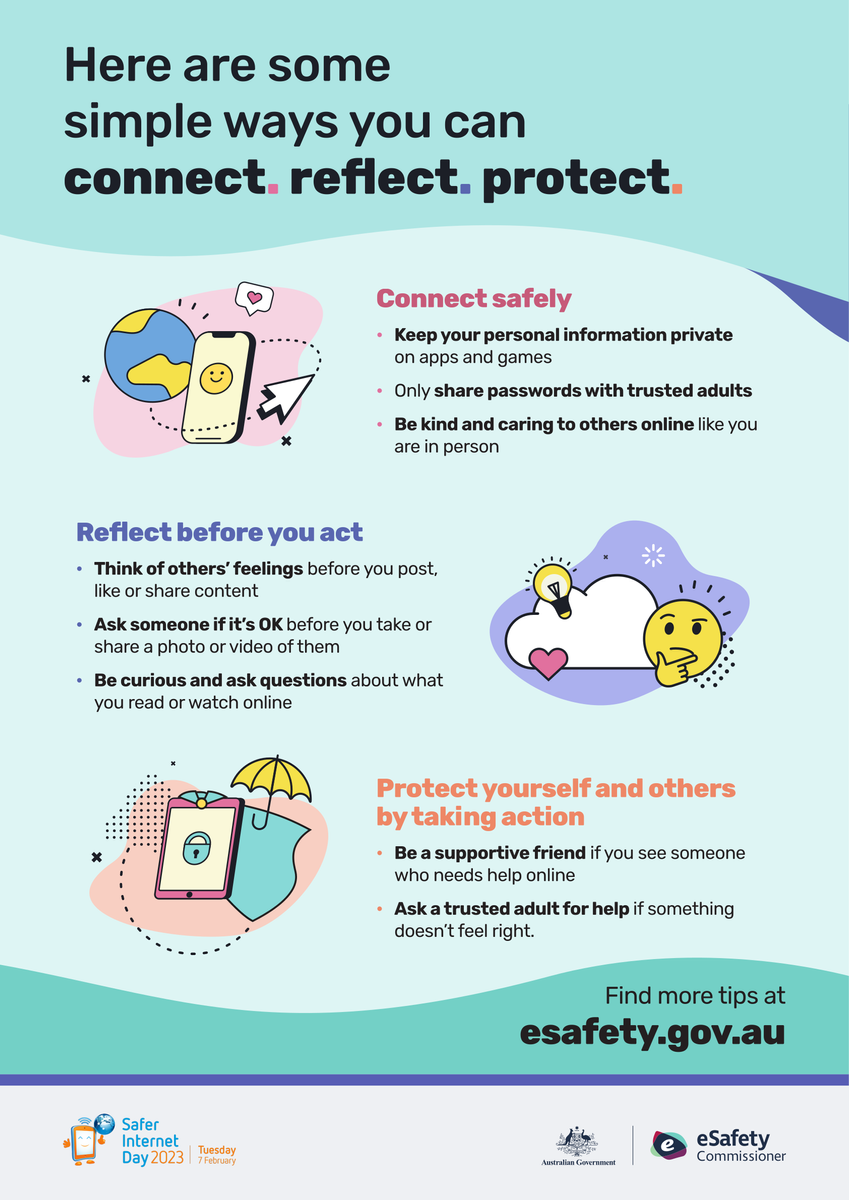
In a world where our phones and devices are practically extensions of ourselves, spending less time online might feel tough! From staying in touch with friends to watching videos or gaming, so much of our daily routine revolves around being connected. But taking breaks from screens can actually help you feel more balanced, improve your focus, and boost your mood. So how do you cope with spending less time online without feeling like you’re missing out?
Set Realistic Limits
Start by setting goals for your screen time. Instead of cutting down all at once, try gradually reducing the amount of time you spend online each day. Use tools like screen time trackers or app limits to help. Being aware of how much time you’re spending online is the first step in managing it.
Find Offline Activities You Enjoy
One of the easiest ways to spend less time online is by finding activities that don’t involve screens. Whether it’s picking up a new hobby like drawing, playing a sport, or learning an instrument, there are plenty of things you can do that are fun and fulfilling. Offline activities give you a chance to unwind and recharge in ways that social media or gaming can’t. Not sure what to do?
Why not check out what’s going on in your area?
Get Moving
Physical activity can be a great way to take a break from your device. Whether you go for a walk, play basketball, or hit the gym, moving your body helps you clear your mind and relieve stress. Plus, exercise releases endorphins, which can boost your mood and make you feel better about spending time away from your screens.
Schedule Tech-Free Times
It’s easy to get lost scrolling through your phone without realizing how much time has passed – especially on the reels! Setting designated “tech-free” times, like during meals or before bed, helps you create more structure in your day. You could also challenge yourself with limiting using screens during family time or when hanging out with your friends to enjoy each other’s company more fully.
Focus on Sleep and Mental Wellbeing
One of the benefits of spending less time online is better sleep. Staring at screens before bed can seriously mess with your ability to get a good night’s rest, so try setting your devices aside at least 30 minutes before sleeping. You’ll probably notice you feel more rested, and your mind will feel clearer during the day. If you’re really struggling to disconnect, try setting your device to night mode – it limits blue light from screens, which helps you sleep better.
Practice Mindfulness
Mindfulness is about being present and aware of what you’re doing and how you’re feeling. Before reaching for your phone out of habit, take a moment to ask yourself if you really want or need to go online. Becoming more aware of your choices around technology will help you feel more intentional about when to log on and when to take a break.
Don’t Be Hard on Yourself
Reducing screen time is a process, and it’s okay to slip up. What’s important is to keep trying and focus on the benefits that come from unplugging now and then. It’s not about cutting out all online time, but rather finding a balance that works for you and helps you feel better overall.
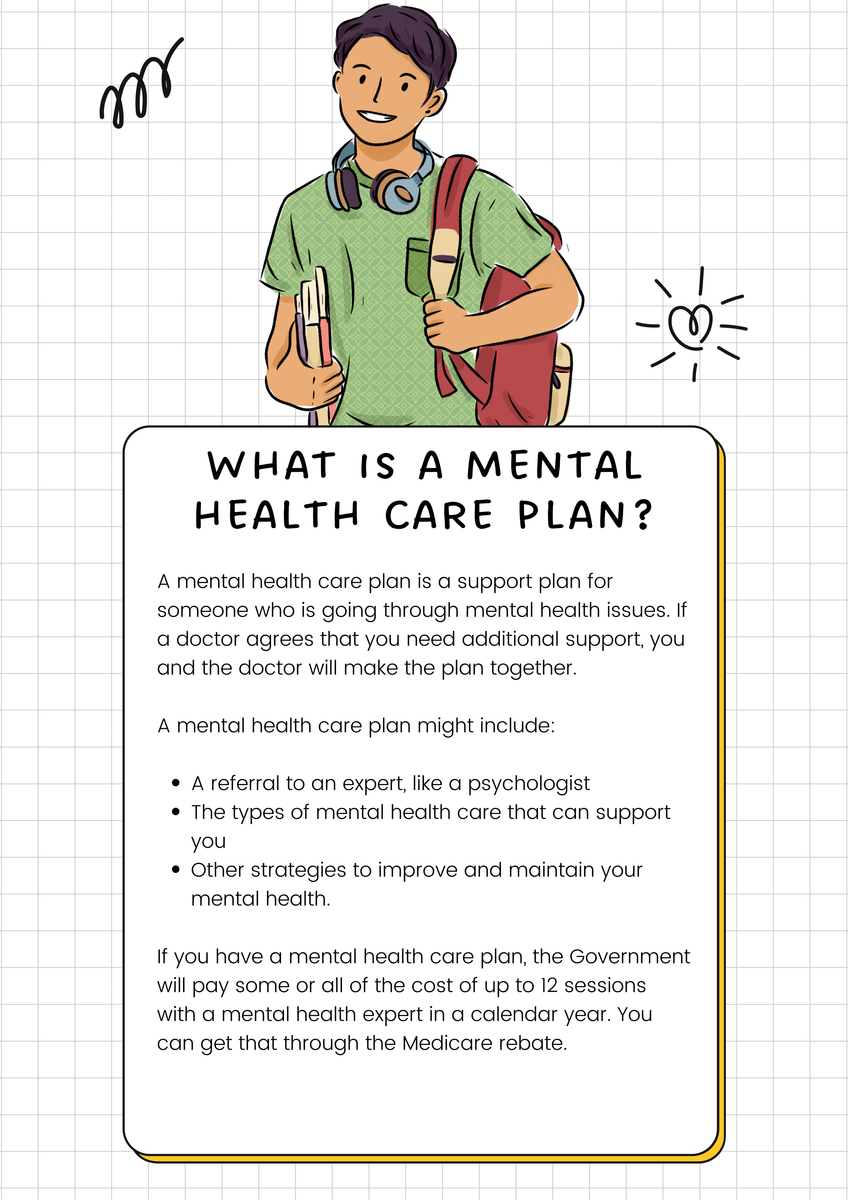
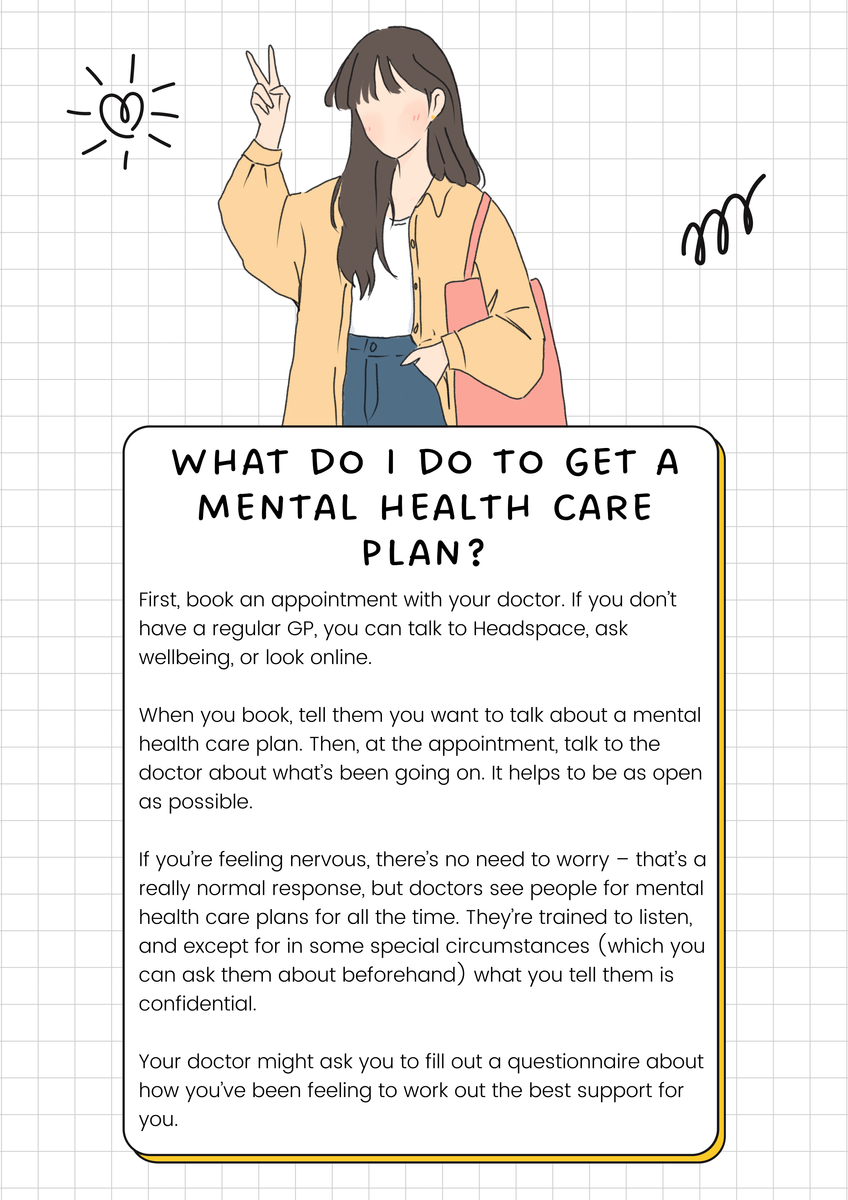
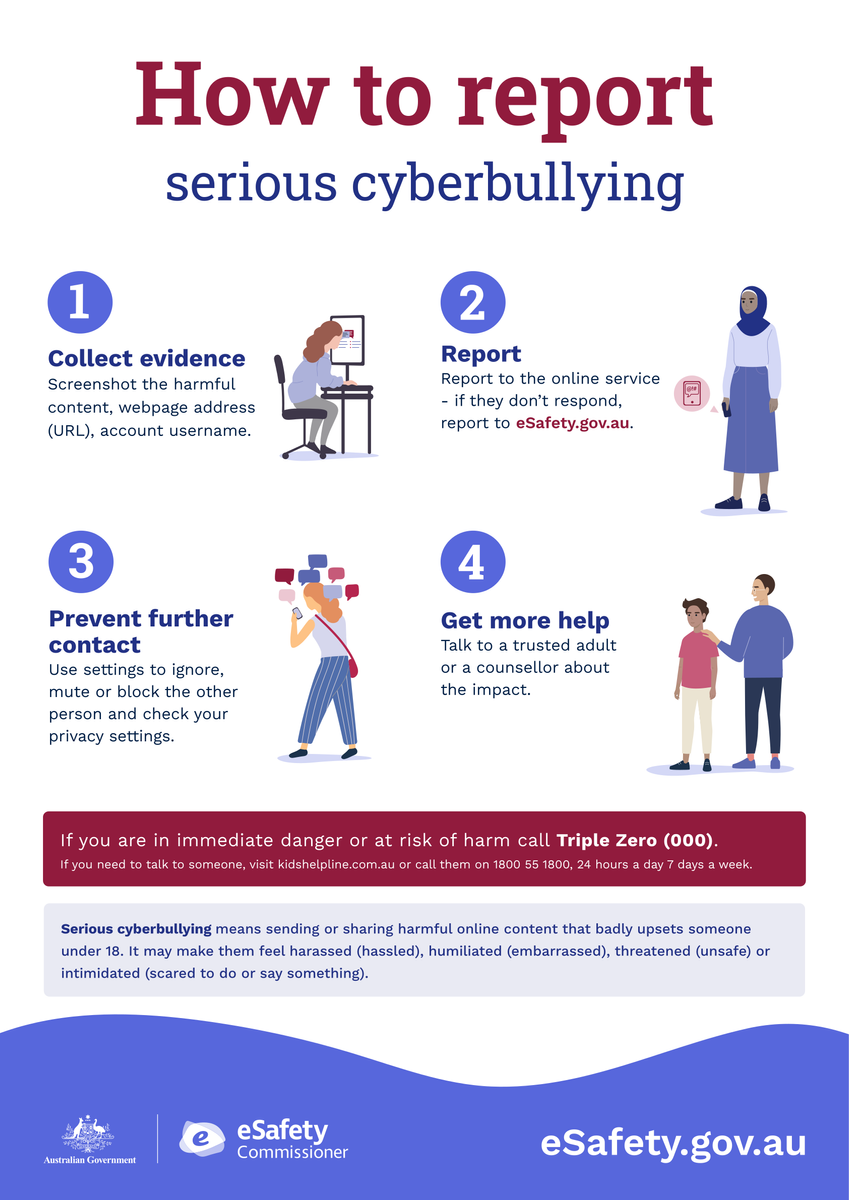
Taking a break from the digital world doesn’t mean missing out – it just means making room for other activities and experiences that are good for your mind, body, and relationships. Finding a balance can help you thrive both online and offline! Lastly, if you’re having a hard time switching off or feel like your screen time is bringing you down, don’t hesitate to reach out to the wellbeing team! We’re always up for a chat and happy to help you find strategies that fit you. Just pop by our spot in B Block (up the rainbow stairs) or catch us around school and at lunchtime clubs. You can also contact us at SWBC@wantirnacollege.vic.edu.au or through teams. Remember, we’re here to support you 😊
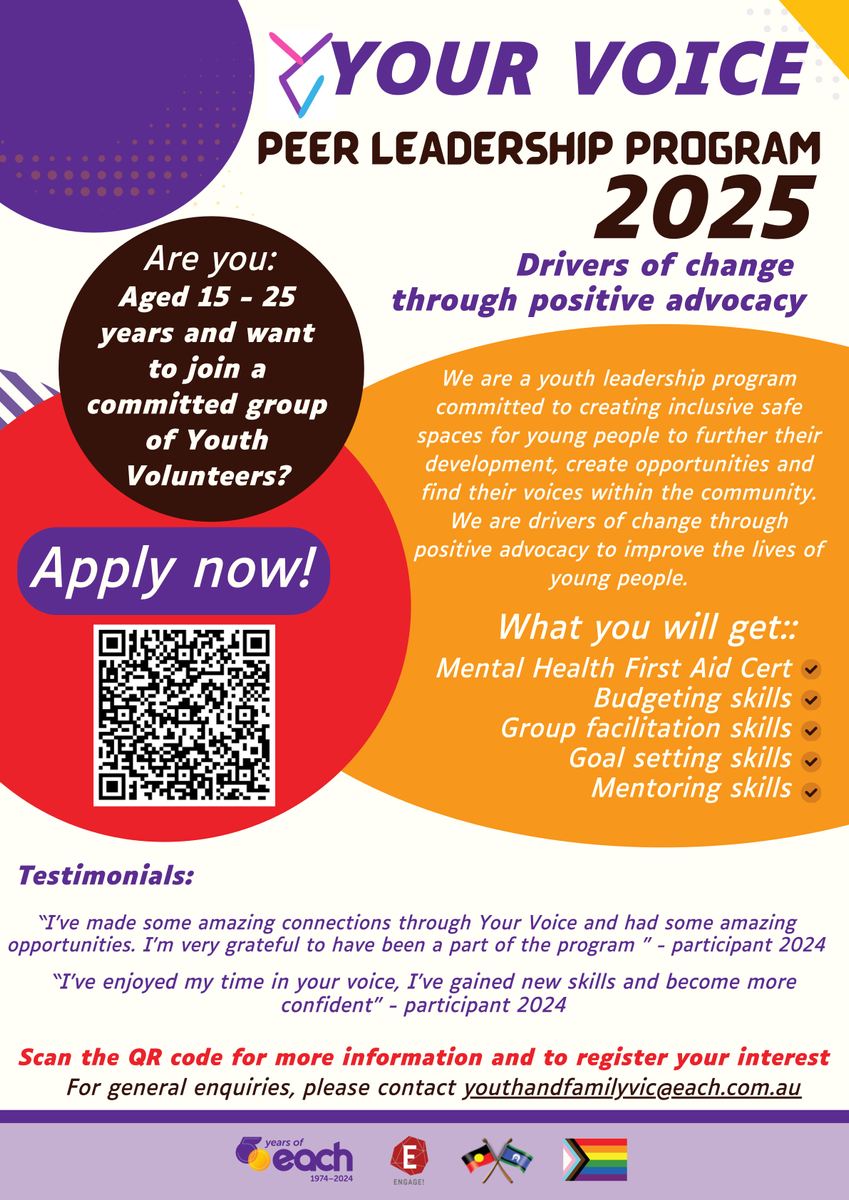
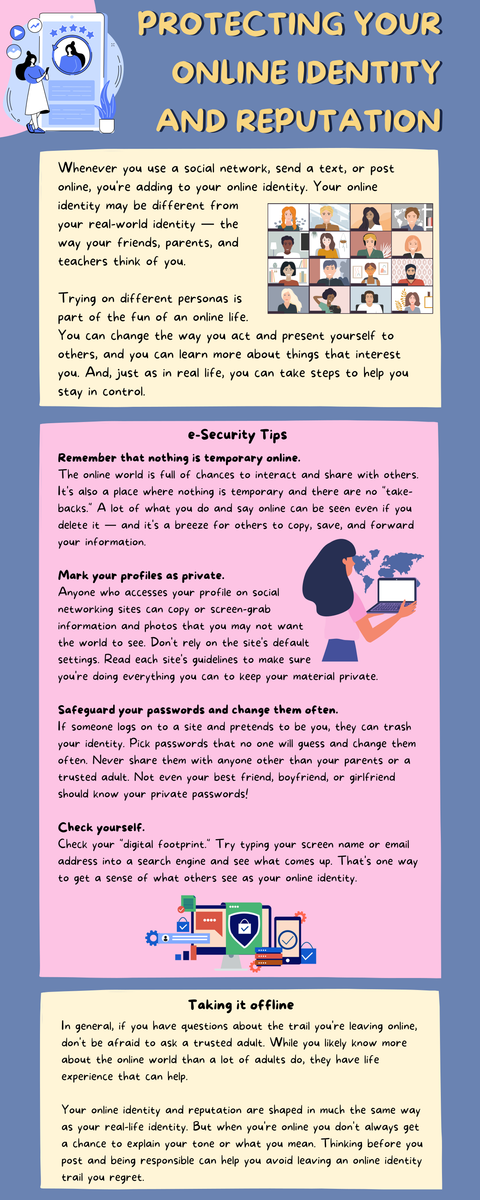
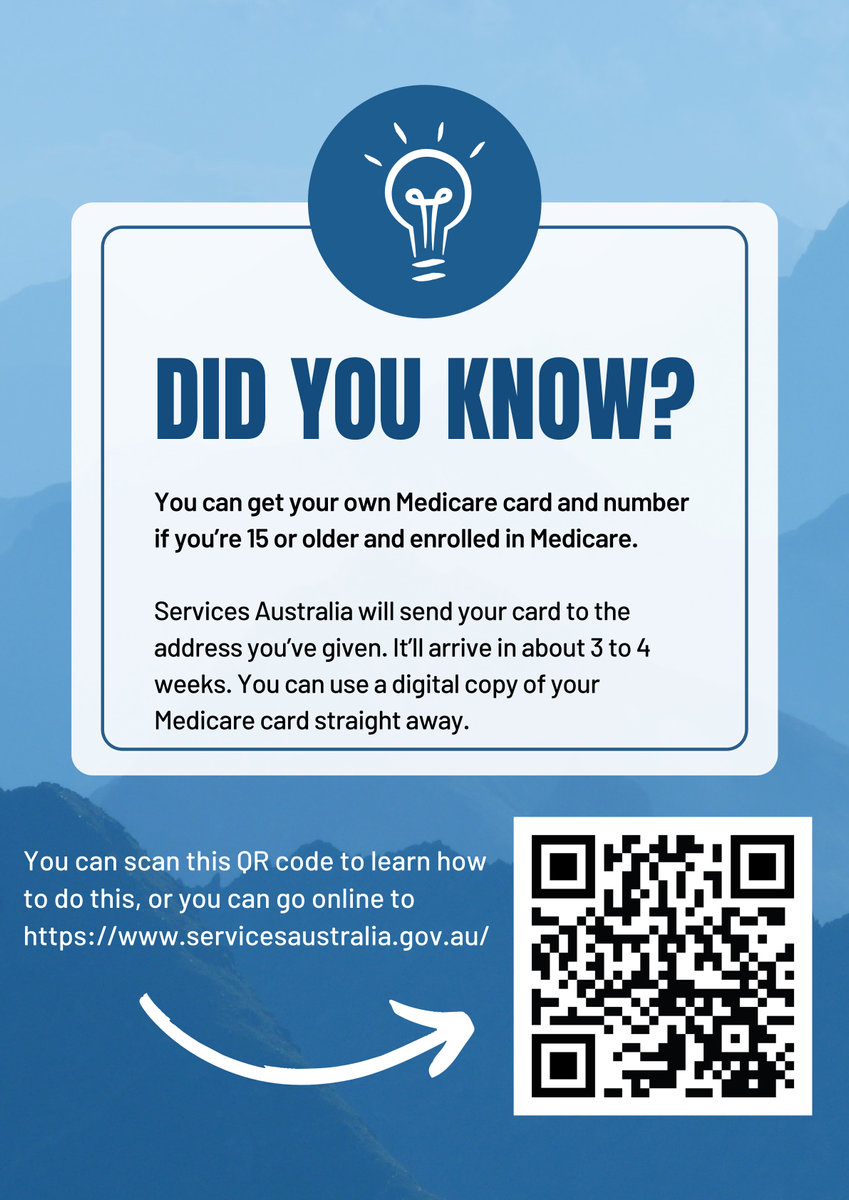


Youth Support Services
headspace: visit headspace.org.au to find your nearest centre or call headspace on
1800 650 890.
Kids Helpline:
1800 55 1800 or kidshelpline.com.au
ReachOut: reachout.com.au
SANE Australia: 1800 187 263 or sane.org
National 24/7 crisis services
Lifeline:13 11 14 or lifeline.org.au
EACH Community Health: 1300 003 224
Knox Youth Services: 9298 8469
Suicide Call Back Service: 1300 659 467 or suicidecallbackservice.org.au
beyondblue:
1300 224 636 or beyondblue.org.au
Student Wellbeing Team
Email: wellbeing@wantirnacollege.vic.edu.au
Talea-Jane Simpson – Acting Wellbeing Leader
Courtney Moran – Acting Wellbeing Leader
Guiseppe Relia – Wellbeing Coordinator
Sanela Avdic - Wellbeing Counsellor
Tajinder Wulff - Mental Health Practitioner
Katrina Gyngell - Mental Health Practitioner