From the Prin and the AP

A Shout-Out to Claire Osborne
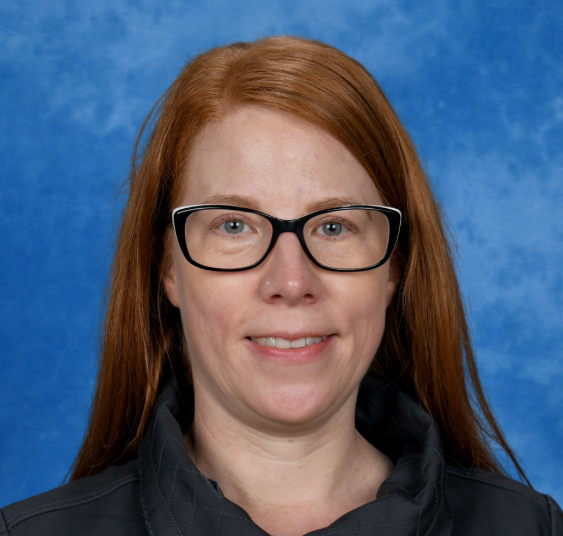
There are so many wonderful teachers and adults in our school that it’s hard to single one out - but every so often someone deserves a special mention. Claire Osborne, formerly our library teacher, continues to champion the love of reading right across the school. She’s behind upcoming incursions, the buzz around the Book Fair and Book Week, and she keeps the joy of reading alive and out in the open for our students and community. We’re grateful for the energy and passion she brings - it makes a real difference.
Communication
Last week we shared a piece around the etiquette and purpose of face to face meetings at school. This week we are going to look at communication through Compass. Compass is an online portal that you will have access to. If ever you are uncertain of how to navigate this platform, please don't hesitate to reach out to our friendly office staff.
Compass Etiquette
- Parents/carers can have access to Compass once their child/ren have been enrolled.
- School administration staff are able to assist parents and carers who are having trouble accessing Compass or a certain area of Compass.
- Compass messages should be read by parents and carers as soon as possible so important information is not missed.
- Compass messages are pushed out as emails and sms messages.
- Lunch orders must be placed by 12:00 pm on the Wednesday of the week of the order.
Common Uses
- Sharing of information specific to a particular child, cohort or whole school.
- Method used to seek permission and payments for excursions, incursions, and camps.
- Placing and payment of lunch orders.
- Collection of other payments such as voluntary contributions.
- Sharing of reports
- First aid treatment notifications
- School Wide Positive Behaviour Supports positive behaviour notifications.
- Distribution of newsletter
Free eSafety Webinars for Parents
Our students are growing up in a world where the online and offline blur together. What they see, share and experience on their devices can shape their friendships, their learning and their wellbeing. As a parent myself, I know it can feel hard to keep up or know what the best step is—but we don’t have to figure it out alone.
The eSafety Commissioner is running a series of free, live webinars for parents and carers this term. These short, practical sessions are designed to help families guide their children’s online use safely and confidently.
The following sessions may be especially useful, as parents of primary school aged students:
- Understanding and using parental controls to help protect your child online – learn how to set up and use device and app settings to manage screen time and content. Upcoming dates: Tuesday 2 September at 3.30 pm and Thursday 6 November at 12.30 pm.
- The changing face of cyberbullying: Protecting your child in 2025 – discover how new online risks like deepfakes and coded messages are being used, and how to support your child to recognise and respond. Scheduled for Wednesday 29 October at 12.30 pm.
- Supporting healthy tech use as your child transitions into secondary school – for families with older primary children, this session offers advice on managing peer pressure, social media, and healthy digital habits. On Tuesday 18 November at 12.30 pm.
You can find details and register for these and other webinars at esafety.gov.au/parents/webinars.
Leanne and Tom.