
Digital Learning
Resources to support families and students to be safe and responsible digital citizens

Digital Learning
Resources to support families and students to be safe and responsible digital citizens
Hello everyone,
For many students, the school holidays are a great opportunity to relax, connect with friends and enjoy playing online games. Gaming can have many positive benefits, including developing problem-solving skills, creativity, teamwork and communication. However, with more free time often comes more time online, making it important for families to establish healthy gaming habits and safe online practices.
The eSafety Commissioner encourages parents and carers to stay involved in their child's gaming by showing an interest in the games they play and the people they interact with online. Talking regularly about gaming helps children feel comfortable coming to you if something doesn't seem right.
Holiday Gaming Tips for Families
At Williamstown Primary School, these messages reflect our Willy Kids values of Respect, Responsibility, Resilience and Learning. Whether students are gaming, chatting or working online, we encourage them to treat others with respect, make responsible choices, think critically about who they interact with and seek help whenever they need it.
For more practical advice, visit the eSafety Commissioner Gaming Guide for Families and the eSafety Guide, which provide easy-to-follow information about popular games, apps and online safety settings.
https://www.esafety.gov.au/parents/issues-and-advice/gaming
Warm regards,
Steven Puhar
Attached is the school’s digital statement outlining the online platforms and their privacy policies that the school uses on a day-to-day basis.
As part of the school’s ongoing student education, the school will further enhance key understandings around user privacy, as well as the tools available on selected devices.
This will be embedded within the current school’s eSafety program that currently sees students undertake numerous digital workshops run by both school leadership, classroom teachers and external providers such as the Alannah and Madeline Foundation’s eSmart organisation.
Parents are advised of a key iPad feature to turn tracking off. This feature will be explicitly demonstrated to students within the school-based workshops.
Go to Settings > Privacy > Tracking.
The list shows the apps that requested permission to track you. You can turn permission on or off for any app on the list.
To stop all apps from asking permission to track you, turn off Allow Apps to Request to Track (at the top of the screen).
Below is a link to the schools Digital Learning page. This page contains key information about the school's implementation of the digital technology curriculum as a tool within a blended learning environment.
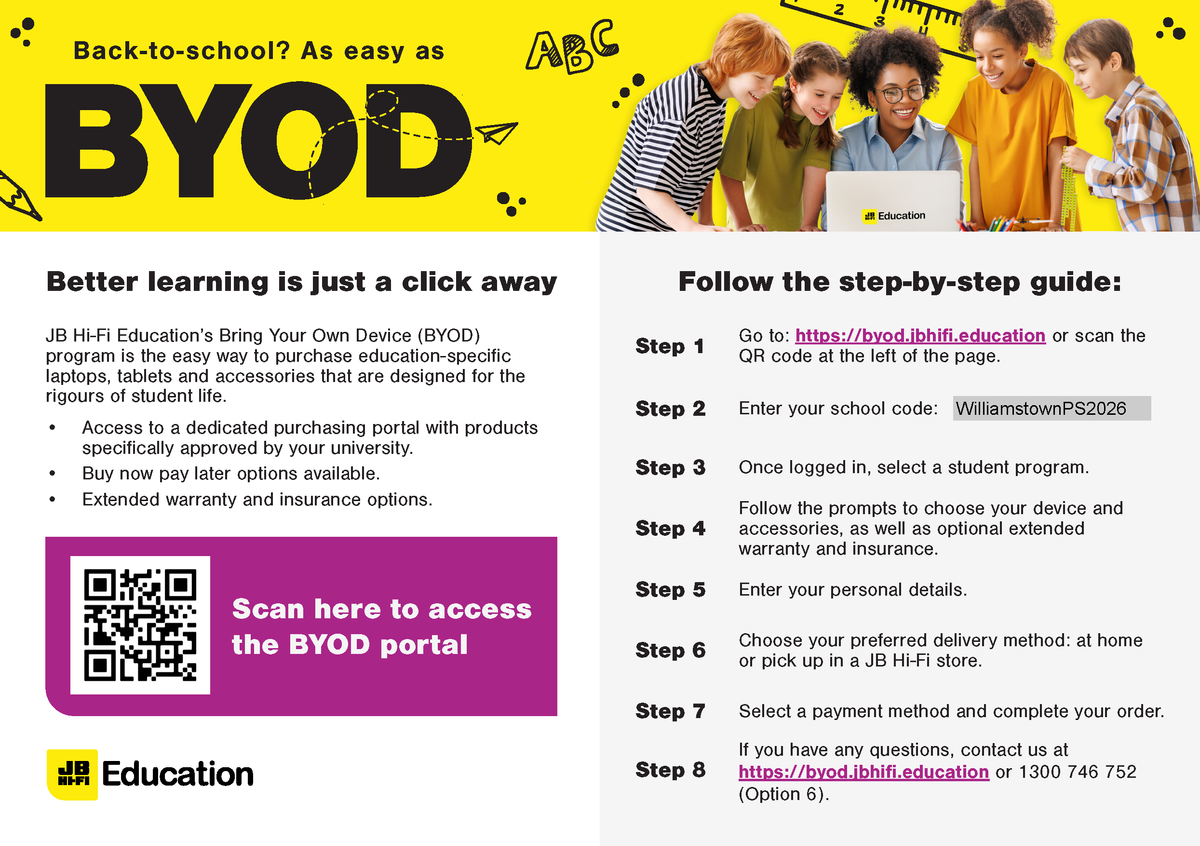
The JB HiFi purchase portal is again available for Willy PS families. The schools recommended minimum specification device is the iPad Gen 9, but the portal does also offer a range of iPad models and accessories. Although students have access to bluetooth keyboards we also recommend the Smart Keyboard or a 3rd party keyboard incorporated within the cover. This accessory will add value to the users experience.
Please also note the change in School Code.
Although the portal is set up through JB HI-FI on behalf of the school, we encourage families to explore all purchase options.
Please find attached documents released by DET.
The first document gives a deeper understanding of the DET licences G Suite for Education, how it is set up and how it differs from the public Google platform.
The second document provides families with supporting resources on how to protect individuals privacy online.
The Department of Education information pack for parents is available from the following link: