
Autism at Magill School


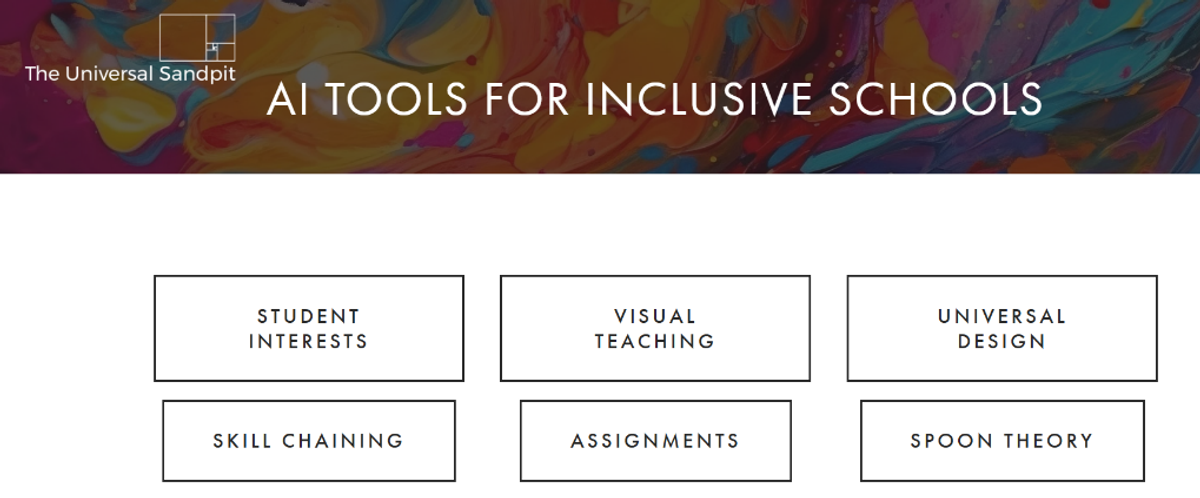
At a recent staff meeting, I shared a tool designed to help teachers make learning more inclusive for all students. The team felt that this tool could also be valuable for families, supporting them to engage in learning and create resources to assist with everyday activities at home.
The Universal Sandpit was developed by Australian educator and consultant Craig Warren Smith. It is a free-to-use platform that harnesses AI to create practical, inclusion-focused supports for teachers, students, and families across both mainstream and special education settings.
What is The Universal Sandpit?
The Universal Sandpit is a website hosting a suite of generative-AI tools, prompts and resources designed to support inclusive teaching and learning. These tools are built around real-world classroom challenges such as differentiation, executive-function support, social-scripts for neurodivergent learners, and accessible explanations of concepts. The Universal Sandpit
Key features include:
A “Multi-Tool (for students)” interface, where a learner can select help with a school or homework task, understanding a concept, or social support. They are encouraged to use the “multi-tool” themselves when they feel stuck, need help understanding a concept, need help socially or need a scaffold for a task. This promotes independence and supports inclusion by giving them resources.
A library of “Prompts and Projects” curated for inclusive education, including sensory planning, executive-function strategies, student self-reflection, accessibility planning, peer interaction scaffolds and more. Many students struggle with how to start or manage complex tasks (e.g., research project, group work, life skills). You can use “Task Analysis” or “Skill Chaining” to prompt the tool to produce a step-by-step scaffold, then visually map it or use it for checklists.
Specific tools such as “Differentiation” to build tasks aimed at different stages of learning
“Explain To Me” (input a concept + age → age-appropriate summary) and it will explain an idea or concept to students and parents around a particular topic.
Social scripts: If students need structured support for social interactions (making friends, lunch-time routines, transitions, excursions), you can use the “Social Scripts” generator to create a custom narrative. Then personalise it further (maybe add photos or names) for maximum relevance.
It’s a sandbox environment where educators, parents and learners alike can tinker, experiment and apply AI-driven scaffolds which is safe and free for all.
Have fun exploring this tool! I’d love to hear your feedback on how you’ve used it or on any of the resources I’ve shared. If you have any questions or need support in my role as Autism Inclusion Teacher, please feel free to contact me at Lisa.Williams896@schools.sa.edu.au
With Kindness,
Lisa Williams
KidsHelpline: 1800 551 800

Beyond Blue: 1300 224 636

Lifeline: 13 11 14