Page 0 Banner Photo
Cover Page
From the 

Acting Deputy Principal  Banner Photo
From the Acting Deputy Principal
Primary Report  Banner Photo
Primary Report
Secondary  Banner Photo
Secondary
School'sOUT - coming soon to MAG! Banner Photo
School'sOUT - coming soon to MAG! New Before and After School program coming soon!
All About Wellness Banner Photo
All About Wellness
Around the school Banner Photo
Around the school
Resource Centre Banner Photo
Resource Centre Upcoming Events, Important details
School Noticeboard Banner Photo
School Noticeboard Presentation Assembly - Planning Feedback, School Canteen Menu, Cough and Cold Symptoms, COVID-19 Vaccinations - Echuca Regional Health
Coming Events Banner Photo
Coming Events Term 3, 2022 
Community Events Banner Photo
Community Events Winter Blues Festival, Chamber Music Concerts featuring Katie Kim
Community  

Business Listing Banner Photo
Community Business Listing An opportunity to share and promote our current and past school family businesses, that are currently open and ready to serve our community., AWM Electrical, Brett Cox Electrical, Cadell Food Services, Cafe Worx, Carpet Court, Cameron Kennaugh Plumbing, Crossies Tennis Coaching, Closter's Group, Crossies 'Cados, Daisy Dream Cakes, Denahy Plumbing, Echuca Glass and Aluminium , Erica Jane Photography, Fifteen50 Consulting, Full Circle Counselling, Googs Electrical, Green Space , Gunn Health and Fitness, Horsfalls Optometrists, Hooley Dooley Cakes, Jimmy's Construction Echuca, Moama Dental Clinic, Moama Bakery, Morrison & Sawers Lawyers, Post 'n' Rail, Perricoota Olives, Raverty's Electrics, Rayzor Roofing, Relaxation and Meditation Hub, Rich River Podiatry, Tweeny's, Treehouse Hideouts, Wild Spark Yoga
View archive
Published by
Moama Anglican Grammar
2 Kirchhofer Street, Moama, NSW, 2731, AUhttp://www.moamagrammar.nsw.edu.au/03 5480 5900 Facebook X / Twitter Instagram YouTube
Banner Photo

All About Wellness

Student Wellbeing

How to Balance Screen Time

The internet has changed the way we live, work, socialise and relax. It has added an exciting dimension to our lives as we can source and share information quickly, connect with others, play online games and discover downtime. Therefore, ‘screen time’ can be a healthy part of our everyday lives. 

However, not all screen time is the same as some online activities can be addictive, less productive and can be unhealthy for us. Some online content maybe distressing and may cause us to not feel good about ourselves and our lives. 

Gallery Image

How Much is Too Much?

The research is unclear on how much time on screen is too much and there is no magic figure. To find the right balance, the right amount of screen time varies from person to person, and you must consider a person’s age and level of maturity, the kind of content they are consuming, their learning needs and family routines and values. 


Signs Screen Time is Becoming Unbalanced and Unhealthy

The amount of time you spend on your screen can easily add up and getting the right balance can be difficult. Too much time on screens can have a negative impact on the individual and their family. Below are some of the signs that may indicate your screen time is becoming excessive. These signs were taken from the esafety website (https://www.esafety.gov.au):

  • Less interest in social activities like meeting friends or playing sport
  • Not doing so well at school
  • Tiredness, sleep disturbance, headaches, eye strain
  • Changes in eating patterns
  • Reduced personal hygiene
  • Obsession with particular websites or games
  • Extreme anger when being asked to take a break from online activity
  • Appearing anxious or irritable when away from the computer
  • Becoming withdrawn from friends and family

Tips to Keep Screen Time Balanced

It is important to understand when screen time is becoming unbalanced and unhealthy in your life. There are many ways you can get balance back in your life with the below tips:

  • Aim for short screen time sessions and ensure you take breaks while online. Decide in advance how long you want to spend online and set an alarm.
  • Allocate time for ‘no screen time’ in your day. Set up times to ‘unplug’ using reminder notifications.
  • Think about where and when you can be online. For example, make mealtimes screen free.
  • Keep devices out of the bedroom and charge your devices elsewhere. This can hele promote sleep instead of online temptations.
  • Ensure you are socialising face to face with your friends and family daily and participate in activities away from screens together.
  • Engage in physical activities and make sure you are going a variety of other activities that you enjoy doing, i.e., reading, music, painting.
  • Avoid Screen Time before bed. Prioritise your sleep and make sure your screen time does not impact your sleep.

Screen Time Recommendations

Below are the ‘Screen Time’ recommendations sourced from the American Academy Child & Adolescent Psychiatry:

Gallery Image


Click on the below links to gain more information and support:

eSafety: https://www.esafety.gov.au/sites/default/files/2019-06/EC-ESP-screen-time-tips-flyer_0.pdf

Headspace: https://headspace.org.au/assets/21-Screen-time-headspace-fact-sheet-WEB-V2.pdf

Raising Children’s Network: https://raisingchildren.net.au/teens/entertainment-technology/screen-time-healthy-screen-use/healthy-screen-time-teens#1-use-rules-about-screen-use-nav-title

Raising Children’s Network: https://raisingchildren.net.au/preschoolers/play-learning/screen-time-healthy-screen-use/screen-time-physical-problems

Reach Out: https://parents.au.reachout.com/skills-to-build/wellbeing/things-to-try-technology/help-your-teenager-take-a-break-from-technology

Gallery Image
Gallery Image


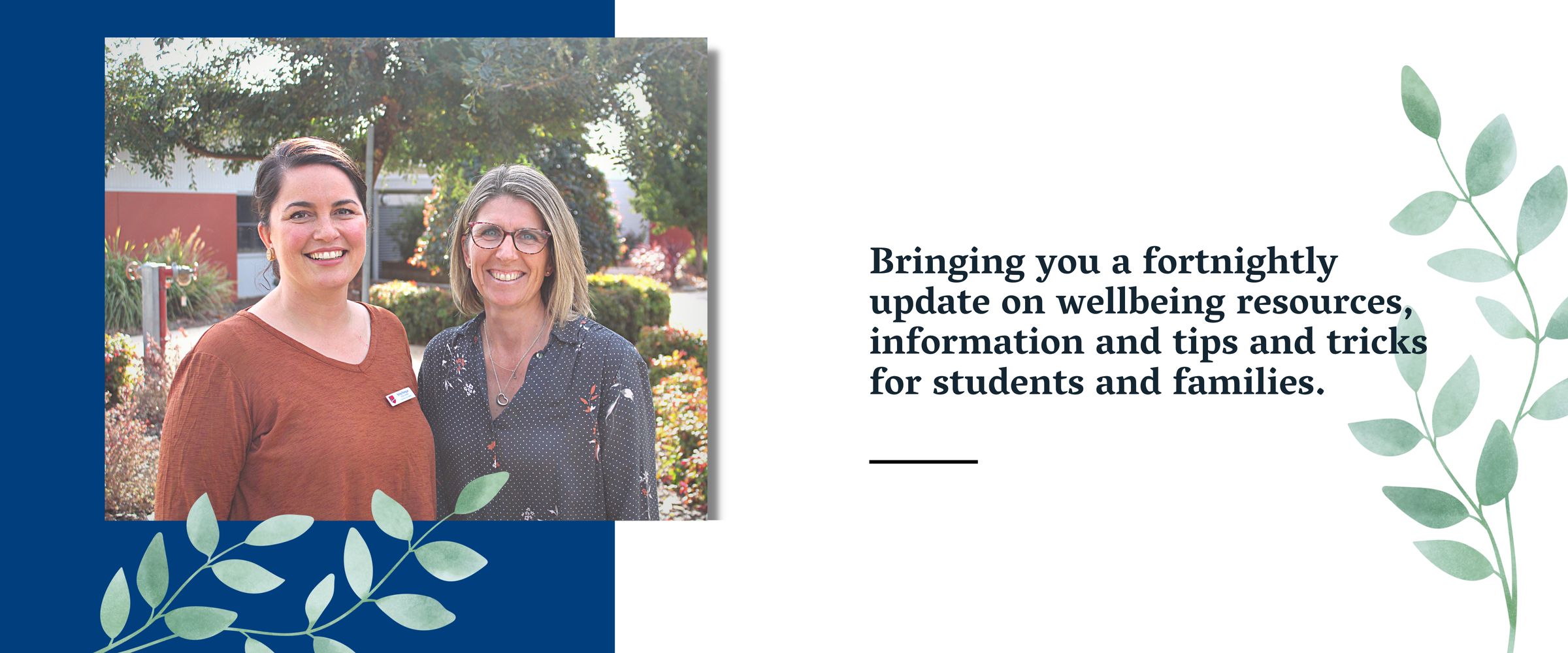
Emily Flanigan - Social Worker

Liz Smith - Student Counsellor